Free 0.1.1 and Pro 0.1.1 documentation.
Default Featured Image supplies one local Media Library attachment when a public post or page has no real featured image. It is a read-only fallback: no post is assigned, copied, rewritten, repaired, or bulk edited.
Requirements
| Component | Requirement |
|---|---|
| WordPress | 6.2 or newer |
| PHP | 7.4 or newer |
| Image | One valid local image attachment in the WordPress Media Library |
| Theme | Uses WordPress's native featured-image functions in the relevant template |
| Pro plan | One site, $59/year after a 14-day trial |
Choose the fallback with Free
- Install Default Featured Image from WordPress.org after its directory listing is approved, or upload the supplied Free 0.1.1 ZIP.
- Open Settings > Default Featured Image.
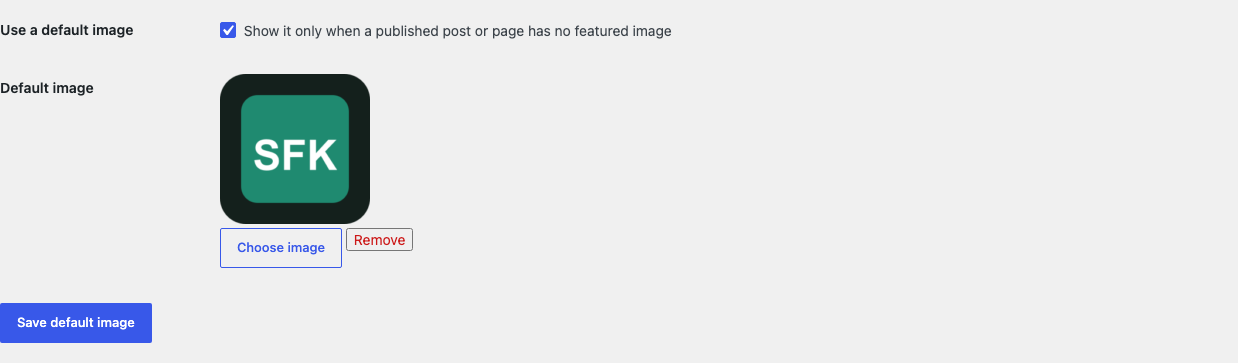
- Select Choose image and pick one local Media Library image.
- Enable the fallback and save.
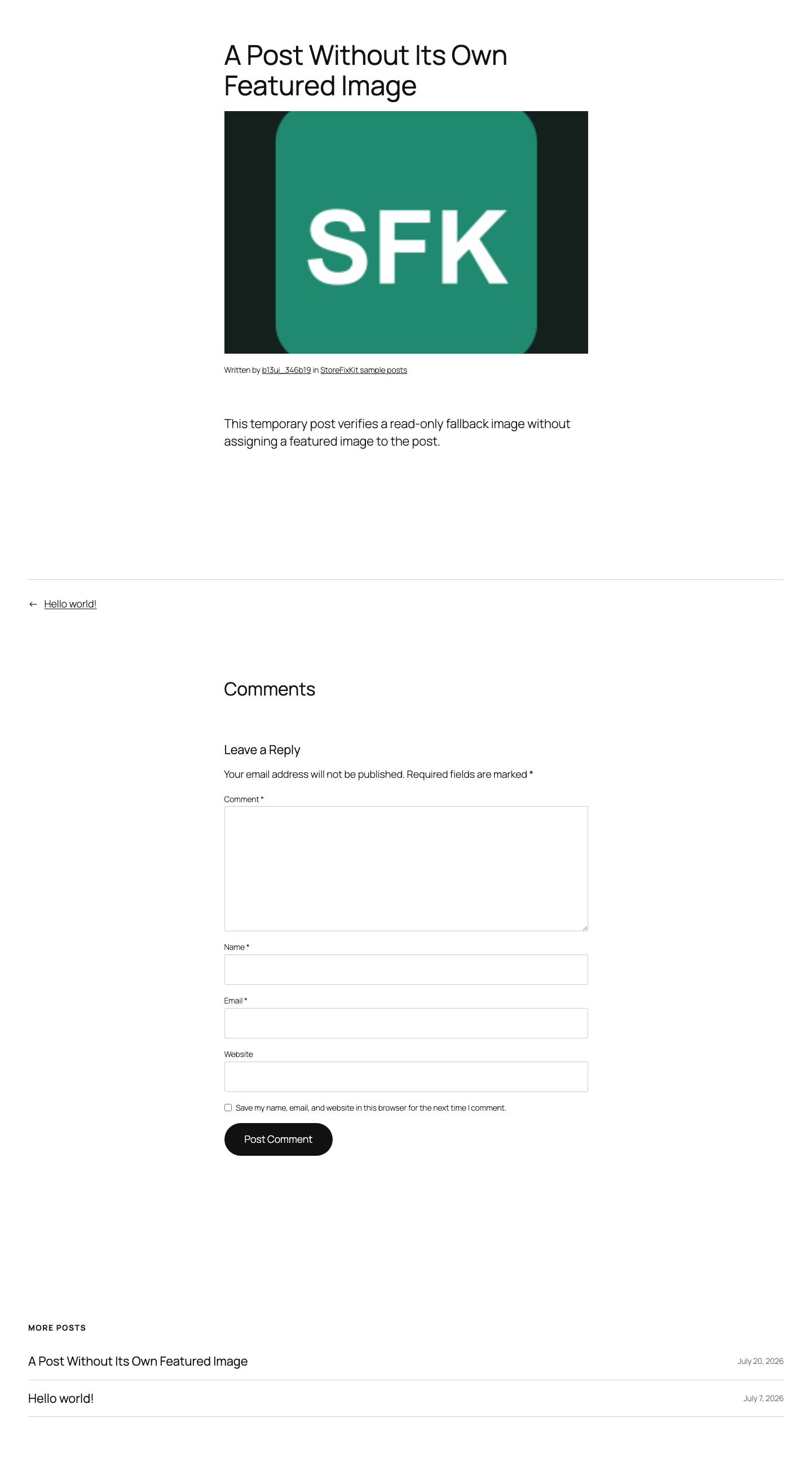
- Open a published post or page that has no assigned featured image.
Verify the theme result
- Confirm the fallback appears where the theme normally shows a featured image.
- Assign a real featured image to the post and confirm it replaces the fallback.
- Remove the real image and confirm the fallback returns without changing the database thumbnail field.
- Check an archive card and one singular template that both call native WordPress thumbnail functions.
- Disable the plugin and confirm the empty native state returns immediately.

What Free changes
Free stores sfk_dfi_settings and filters WordPress's post_thumbnail_id result only when the incoming ID is empty, the request is public, the post is published, and the post type is post or page. It returns the selected attachment only after WordPress confirms it is a local image.
Free never writes _thumbnail_id, scans posts or media, copies files, generates images, edits alt text, changes templates, injects a block, adds a CSS background, or alters admin, editor, REST, feed, XML-RPC, email, sitemap, schema, or social metadata output. A template that never calls a native featured-image function has no supported location for the fallback.
What Pro adds
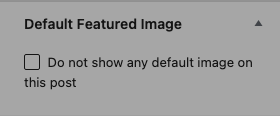
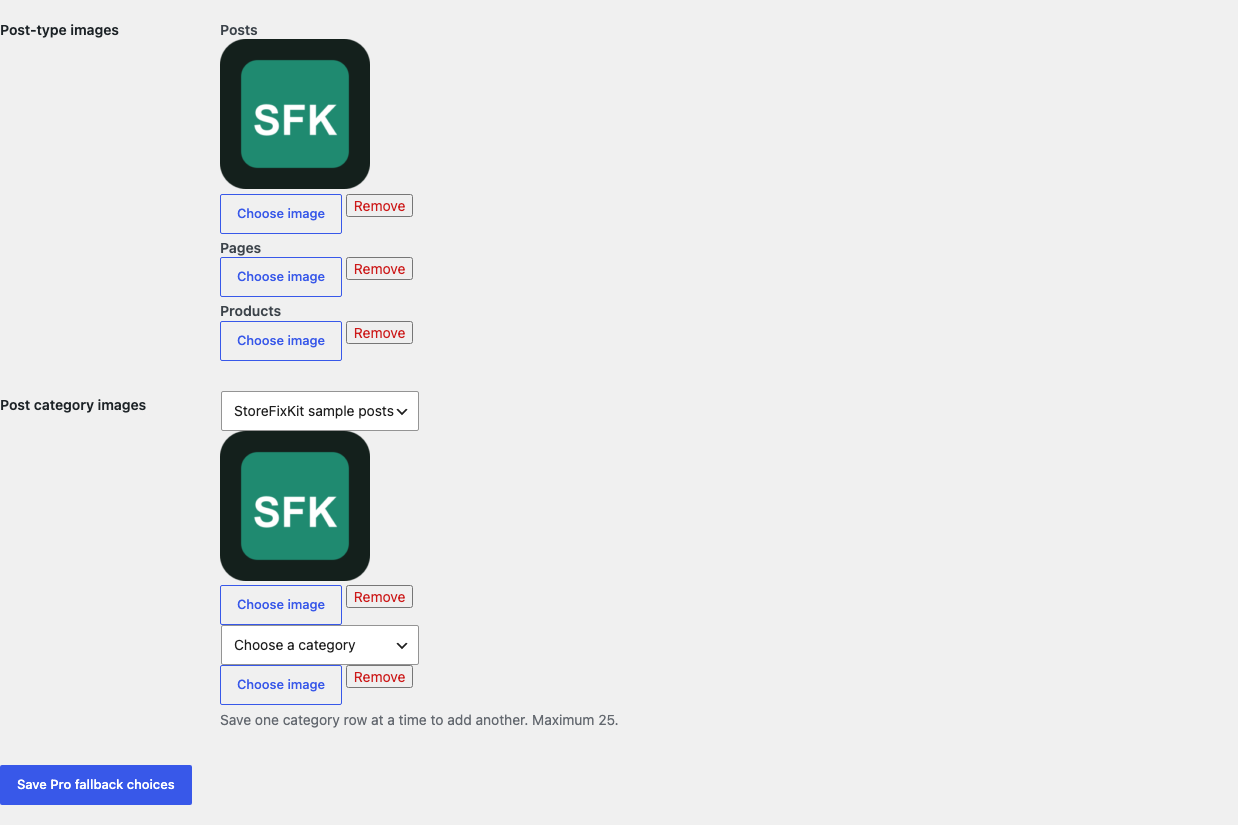
Pro can choose bounded fallback images for supported public post types, configure at most 25 post-category fallbacks, and let an authorized editor opt one post out. Category rules use the lowest matching configured term ID before the post-type and Free global fallbacks.
If Pro, billing, or the license API is unavailable, the complete valid Free posts-and-pages fallback continues locally.
Start the 14-day Pro trial
- Open the Default Featured Image product page.
- Select Start 14-day trial. No card is required to begin.
- Stripe returns to StoreFixKit after checkout; a signed webhook creates a license bound to Default Featured Image Pro.
- Copy the key and download the Pro 0.1.1 ZIP.
- Keep Free active, upload and activate Pro, and paste the key in Settings > Default Featured Image.
- Add a payment method before day 14 only if you want the $59/year subscription to continue. Without one, Stripe cancels it at trial end.
Privacy, security, and resource use
- Settings require
manage_options, a WordPress nonce, and a valid local image attachment. - Per-post Pro opt-out saves require permission to edit that exact post and a post-bound nonce.
- A real featured-image ID is returned unchanged before any fallback work occurs.
- Admin, REST, feed, XML-RPC, attachment, revision, draft, private, trash, unsupported, and uncertain contexts fail passive.
- The plugin stores no personal data and makes no storefront HTTP request.
- There is no post query, media scan, custom table, cron, queue, telemetry, public script, or stylesheet.
- The only JavaScript is the native Media Library chooser on this plugin's authorized settings page.
Troubleshooting
The settings preview is blank
Select the image again and wait for the Media Library preview to finish loading. Confirm the attachment still exists, is an image, and is served from this WordPress site's uploads. Remote image URLs are intentionally unsupported.
The fallback does not appear on the post
Confirm the post is published, has no real featured image, and the fallback is enabled. Then confirm the active theme template actually renders a featured image through WordPress's native thumbnail functions. The plugin does not edit templates or invent an image location.
The fallback appears in one theme location but not another
The working location uses native thumbnail functions; the other may use a custom field, CSS background, page-builder widget, REST response, or direct attachment lookup. Those adapters are outside Free 0.1.1's safety boundary.
A real featured image is not winning
Clear object and full-page caches, then inspect the post's native featured-image field. StoreFixKit returns any positive real thumbnail ID unchanged; another plugin or theme may be replacing the result later.
Pro category or post-type rules do not apply
Confirm the Pro license is active, the post is not opted out, and the configured attachment still exists. Category rules apply only to posts and are capped at 25. A real featured image still wins over every Pro rule.
Rollback and uninstall
- Back up the database and both installed ZIPs.
- Record the Free image, Pro post-type and category images, and any post opt-outs.
- Deactivate Pro. The valid Free posts-and-pages fallback should continue.
- Deactivate Free. Native WordPress thumbnail behavior returns immediately; no post or media repair is needed.
- Install the previous deterministic ZIP, activate it, and check one post with and one without a real image before returning to 0.1.1.
Normal uninstall preserves settings, license state, and Pro opt-out metadata for accidental recovery. Define STOREFIXKIT_DELETE_DATA as true before deletion only when you deliberately want each plugin to remove its own options or opt-out metadata. WordPress posts, pages, attachments, files, real _thumbnail_id values, taxonomy, users, comments, and third-party metadata are never deleted.
StoreFixKit Support
Use StoreFixKit Support and include the affected URL, post type, template location, Free and Pro versions, WordPress version, theme, cache status, whether a real image is assigned, and redacted desktop/mobile screenshots. Never send credentials, private media, API keys, or a complete license key.
For feedback, state the result you expected, what happened, and the shortest repeatable steps. After the issue is resolved, the support reply will include the correct WordPress.org review link once the official listing exists.