No card required. Add a payment method before day 14 to continue; otherwise Stripe cancels the subscription automatically.
Real WordPress interfaceFree 0.1.1 / Pro 0.1.1
One jobShow one local Media Library image when a public post or page has no featured image, without assigning, copying, rewriting, or deleting any post thumbnail data.
RequiresWordPress 6.2 or newer
Free statusRelease candidate prepared for WordPress.org review
Three decisions
Set it up without code.
01
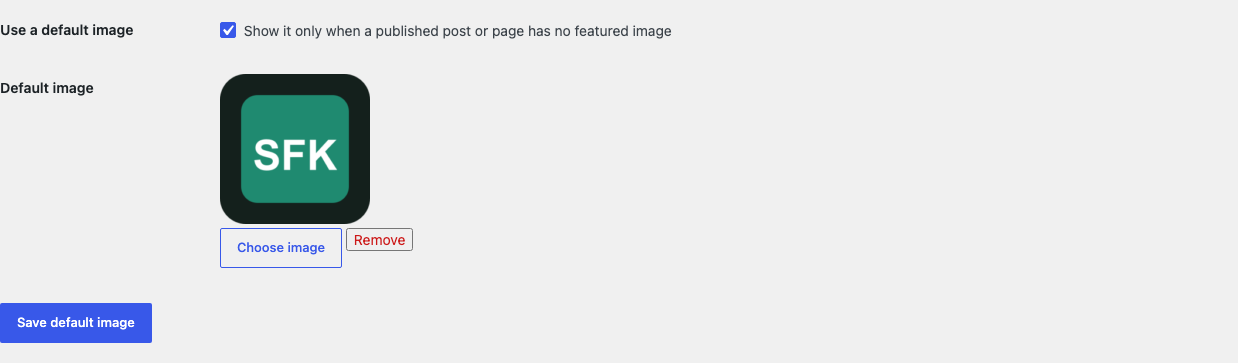
Open Settings > Default Featured Image and choose one local image.
02
Enable the fallback and save.
03
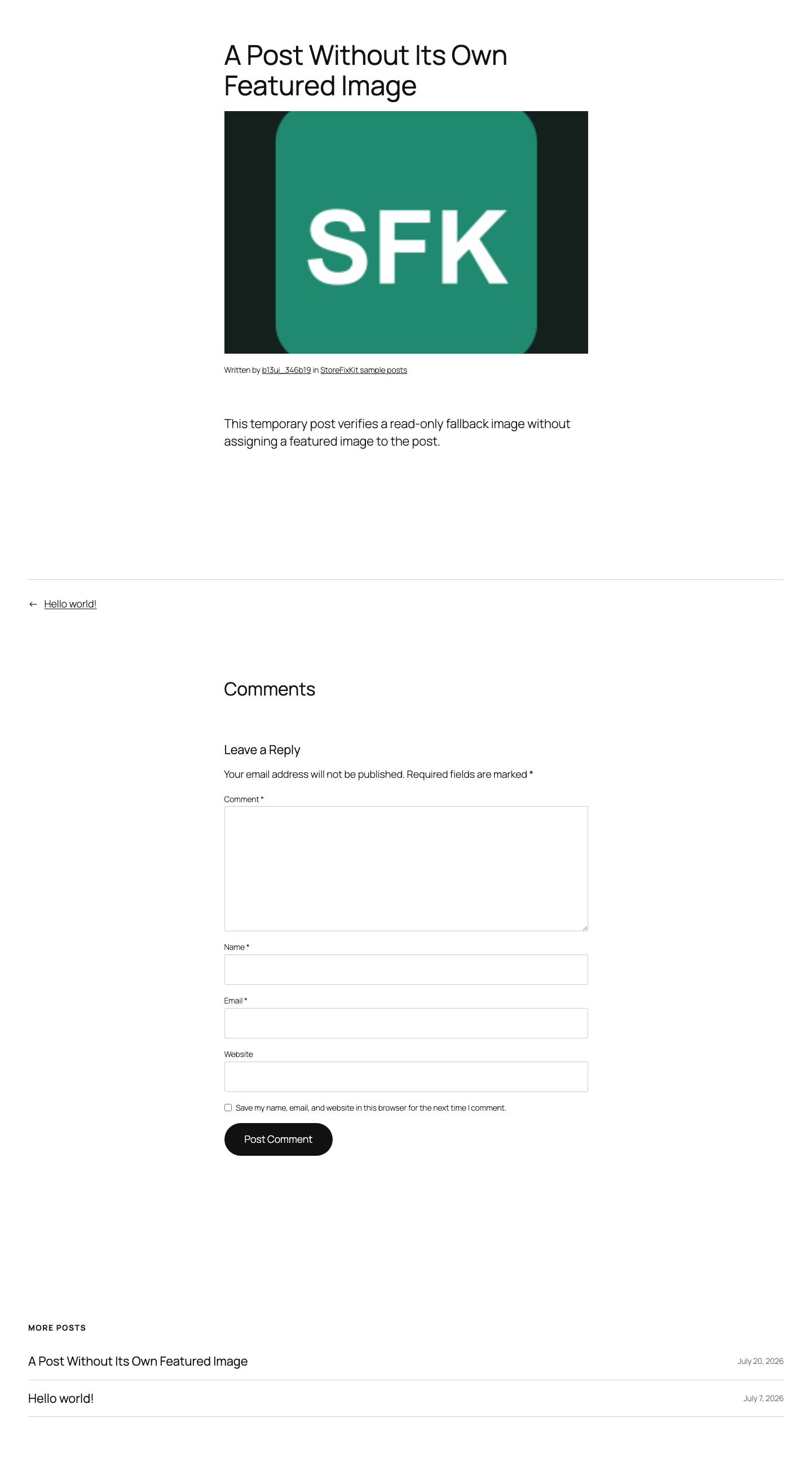
Open a public post or archive item with no assigned featured image and confirm the theme displays it.
Actual product
What you configure and what the visitor sees.
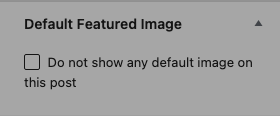
Free uses one native Media Library image and one enable switch.The theme receives one read-only fallback while the post remains unchanged.The image remains in the theme's normal responsive post-thumbnail layout.One post can opt out without touching its real featured-image field.Pro adds capped local choices and no bulk assignment tool.
Free and Pro
Free keeps working. Pro adds capacity.
Free 0.1.1
No account or license required
Choose one valid local image from the native WordPress Media Library.
Return it only for a published post or page whose native featured-image ID is empty.
Deactivate the plugin to restore native output immediately because no post is rewritten.
Prepared for WordPress.org submission; no public-directory approval is claimed yet.
Pro 0.1.1
$59 per year
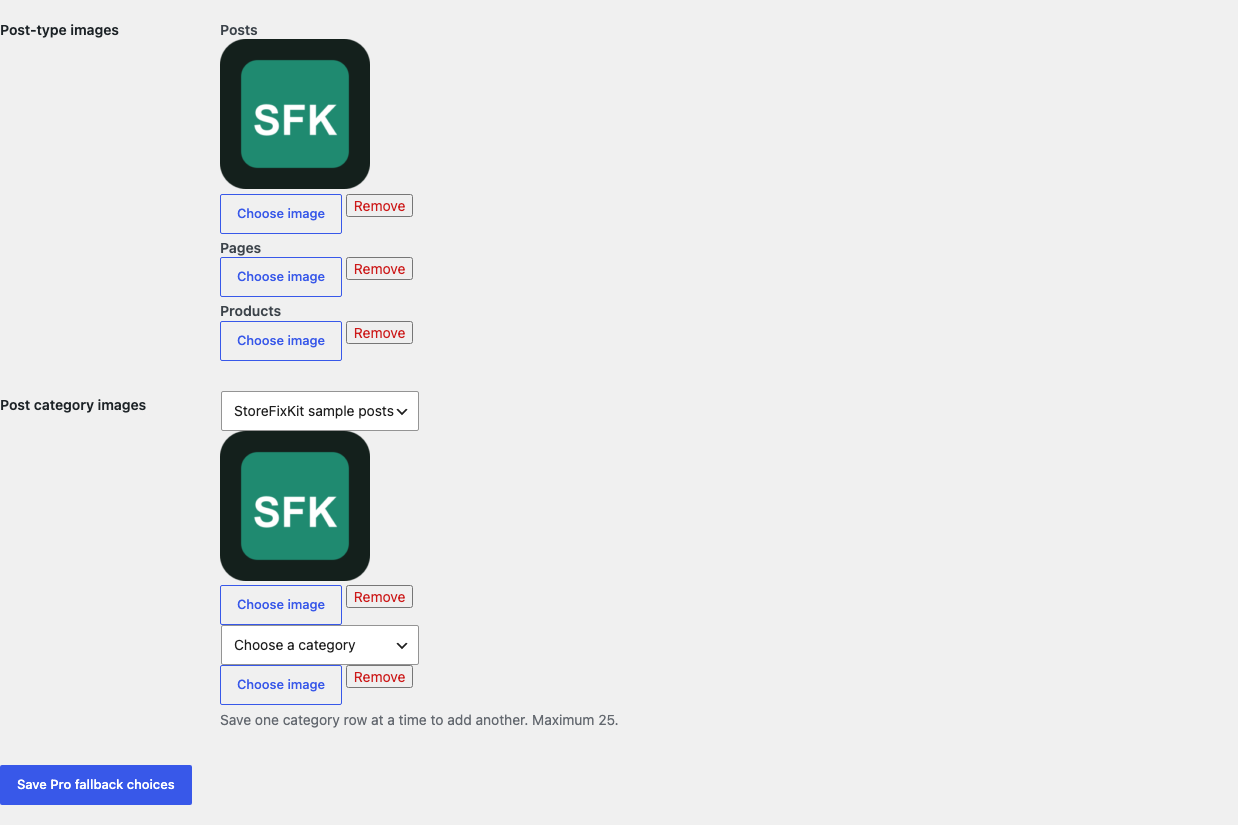
Choose bounded fallback images for supported public post types.
Add at most 25 category fallbacks with deterministic precedence for posts.
Let an authorized editor opt one post out without deleting or replacing its real featured image.
Designed to stop quietly instead of changing store truth.
The free workflow is independent of Stripe, the StoreFixKit license API, and Pro. A billing or network problem cannot rewrite the parent plugin's data.
A real featured image always wins; the plugin never writes or deletes WordPress's _thumbnail_id value.
Missing, invalid, remote, or non-image attachments fail quietly without repair or content mutation.
No post or media scan, custom table, cron, queue, telemetry, frontend asset, or storefront StoreFixKit request.
14-day trial
No card required to test Pro on one site.
Stripe hosts checkout and billing. The StoreFixKit success page creates a product-bound license and Pro download. Add a payment method before trial end only if you want the annual plan to continue.
Does Default Featured Image permanently assign images to posts?
No. It returns one attachment ID only while WordPress reads an empty public thumbnail.
Will it replace an existing featured image?
No. Any real featured-image ID is returned unchanged before fallback logic runs.
Will every theme display the fallback?
It works where the theme uses WordPress's native featured-image functions. A template that never renders a post thumbnail has no image location to fill.