Free 0.1.3 and Pro 0.1.3 documentation.
Change Login Logo shows one local WordPress Media Library image in the native login-logo position. It does not redesign the login page or change authentication, users, passwords, sessions, routes, redirects, messages, registration, or password reset.
Requirements
| Component | Requirement |
|---|---|
| WordPress | 6.2 or newer |
| PHP | 7.4 or newer |
| Image | A WordPress-supported image stored in the site's Media Library |
| Login page | Core wp-login.php using WordPress's native login hooks |
Install and choose a logo
- Install Change Login Logo from WordPress.org after its directory listing is approved, or upload the supplied Free 0.1.3 ZIP.
- Activate the plugin.
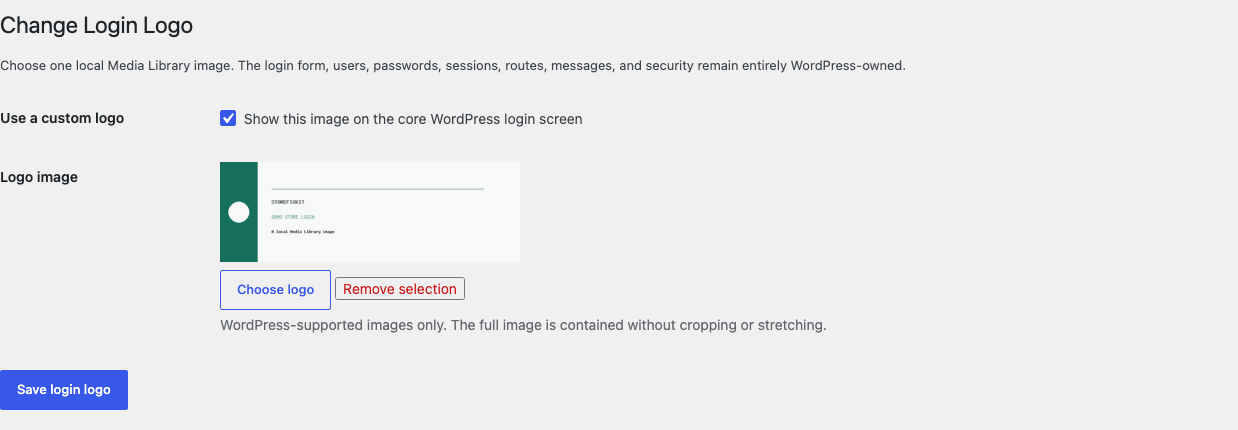
- Open Settings > Login Logo.
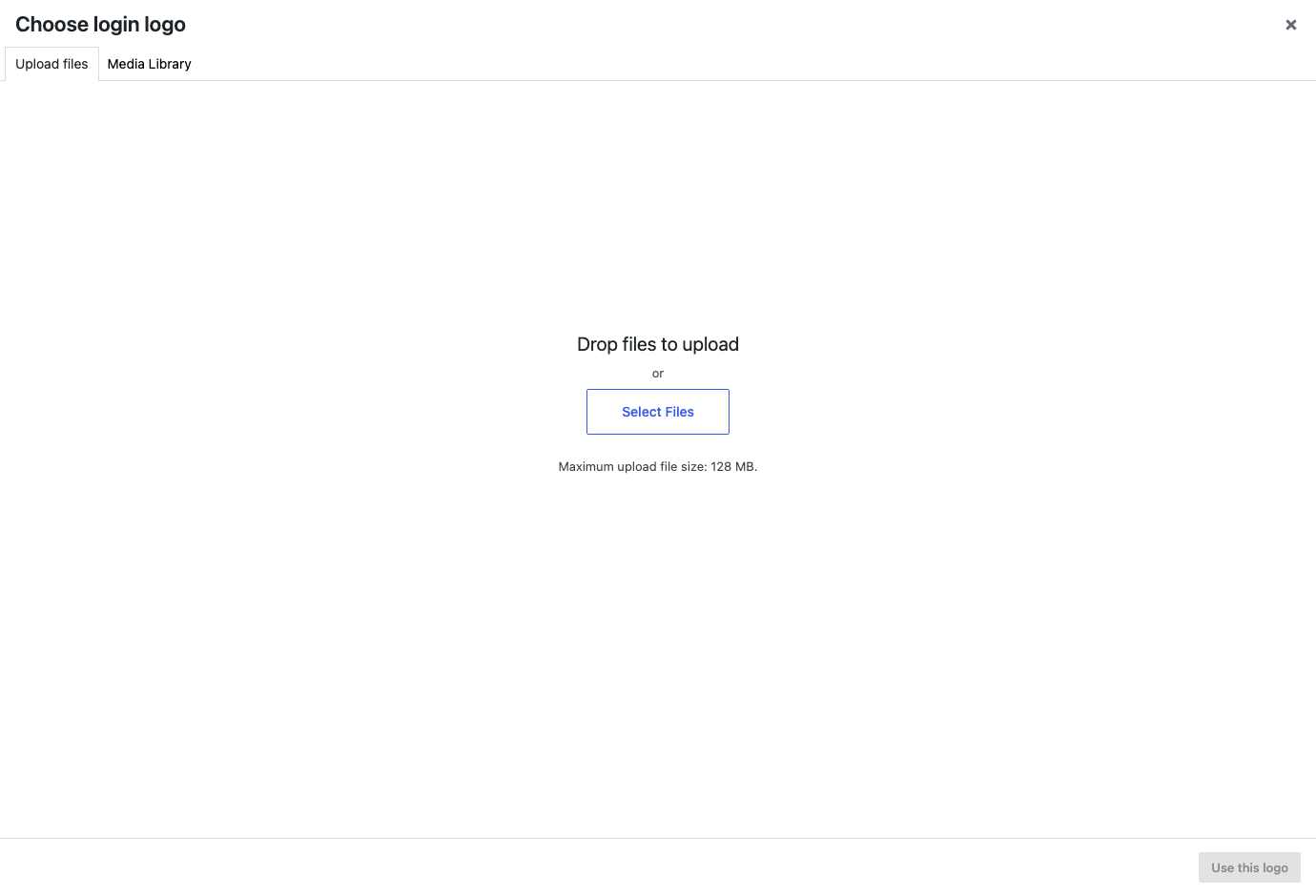
- Select Choose logo.
- Choose an existing local image or upload one through WordPress's standard Media Library.
- Select Use a custom logo, then Save changes.
Check the login screen
- Sign out or open
/wp-login.phpin a private browser window. - Confirm the complete image is visible without stretching or cropping.
- Check both desktop and a narrow mobile width.
- Select the logo and confirm Free opens the site homepage.
- Return to Settings, disable the option, and confirm WordPress's native logo returns.
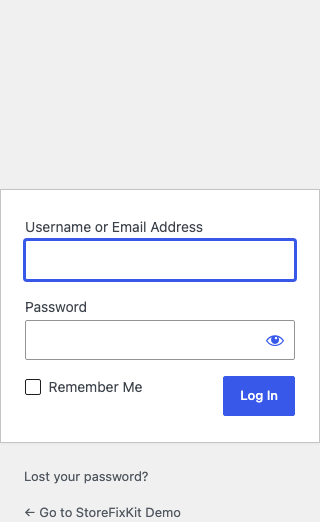
Image behavior
Free resolves the selected attachment through WordPress's attachment API and prints bounded inline CSS only through login_enqueue_scripts. The full image is proportionally contained in the native logo area.
If the setting is disabled, the attachment is deleted, the attachment is not an image, or WordPress cannot resolve a local URL, StoreFixKit prints no custom CSS. It performs no fallback write and WordPress's native logo remains authoritative.
Custom login routes, page-builder login forms, membership portals, and provider-hosted login screens may bypass core login hooks. StoreFixKit stays silent on those surfaces instead of replacing templates or patching the page.
What Pro adds
Pro adds only three bounded values:
- one valid HTTP or HTTPS logo destination;
- one plain-text accessible title up to 120 characters;
- one contained maximum width from 40 to 500 pixels.
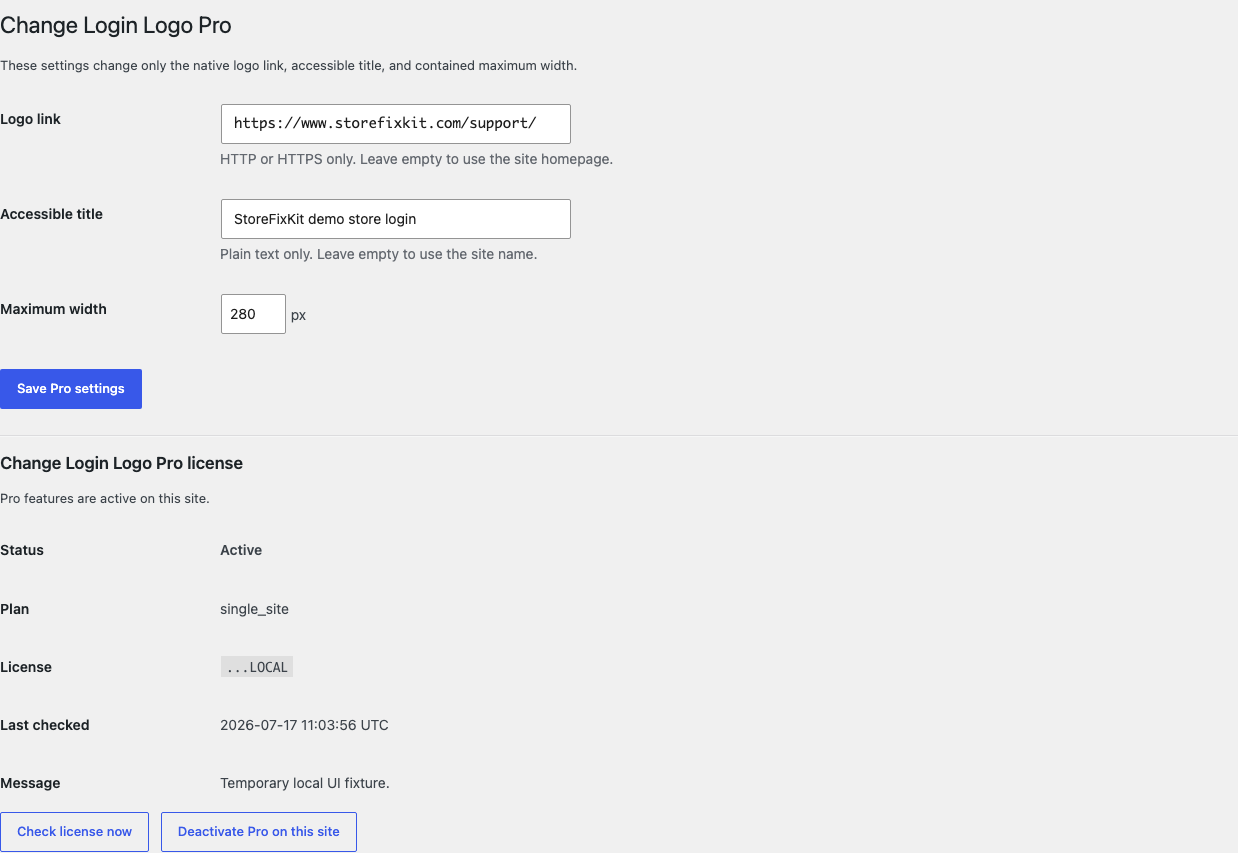
Empty or invalid Pro values fall back to Free's homepage, site name, and default contained width. If Pro, billing, or the license API is unavailable, Free's local image continues without a public remote request.
Start the 14-day Pro trial
- Open the Change Login Logo product page.
- Select Start 14-day trial. No card is required to begin.
- Stripe returns to the StoreFixKit success page; the signed webhook creates a product-bound single-site license.
- Copy the key and download the Pro 0.1.3 ZIP.
- Add a payment method before day 14 only if you want the $39/year subscription to continue. Without one, Stripe cancels it at trial end.
Keep Free active. Upload and activate Pro, activate its license, and then save the optional link, title, or width.
Privacy, security, and resource use
- Settings writes require
manage_optionsand a WordPress nonce. - Free stores only an attachment ID and enabled state; Pro stores only its bounded display values and license state.
- The plugin never reads or changes users, passwords, capabilities, sessions, cookies, login errors, routes, redirects, CAPTCHA, two-factor authentication, registration, or password reset.
- It never uploads, edits, deletes, regenerates, optimizes, or enables image formats.
- There is no custom table, cron job, telemetry, analytics event, remote image, public StoreFixKit request, or sitewide asset.
- No authentication or user data is sent to StoreFixKit.
Troubleshooting
The native WordPress logo still appears
Confirm the option is enabled and saved, the selected attachment still exists and is an image, then clear page/CDN caches. Test core /wp-login.php; a custom login URL or page-builder form may not use WordPress's native hooks.
The image looks too small
Use an image with little transparent padding. Free contains the complete file in the native area. Pro can set a maximum width from 40 to 500 pixels, but neither version crops or stretches the source.
The image disappeared after deleting media
That is the intended fail-passive result. Choose another valid Media Library image. StoreFixKit does not keep a hidden copy or recreate a deleted attachment.
The logo changed but the login form did not
That is correct. Form layout, labels, messages, registration, password reset, and authentication are explicitly outside this plugin's job.
Rollback
- Back up the database and current ZIPs.
- Deactivate Pro, then Free.
- Install Free 0.1.2 and Pro 0.1.2.
- Activate Free first, then Pro.
- Open core
/wp-login.phpat desktop and mobile widths and verify the image, link, title, and unchanged form. - Repeat with 0.1.3 to restore the current WordPress 7.0 compatibility release.
Versions 0.1.2 and 0.1.3 share the same bounded settings and require no schema migration. If WordPress 7.0's core CSS overrides the image in 0.1.2, return to 0.1.3; authentication remains unaffected in either version.
Uninstall
Deleting Free removes only sfk_cll_settings. Deleting Pro removes only sfk_cll_pro_settings and sfk_cll_pro_license. Media attachments and files, users, roles, passwords, sessions, security settings, routes, pages, and all WordPress core data remain untouched.
StoreFixKit Support
Use StoreFixKit Support and include the core login URL with sensitive query values removed, expected and actual result, attachment ID and file type, image pixel dimensions, Free and Pro versions, WordPress version, custom-login/security plugins, cache/CDN state, desktop and mobile screenshots, and browser console errors. Never send credentials, cookies, user data, payment details, or a full license key.