No card required. Add a payment method before day 14 to continue; otherwise Stripe cancels the subscription automatically.
Real WordPress interfaceFree 0.1.3 / Pro 0.1.3
One jobShow one local Media Library image in WordPress's native login-logo position without changing the form, users, passwords, sessions, routes, redirects, messages, registration, password reset, or security.
RequiresWordPress 6.2 or newer
Free statusRelease candidate prepared for WordPress.org review
Three decisions
Set it up without code.
01
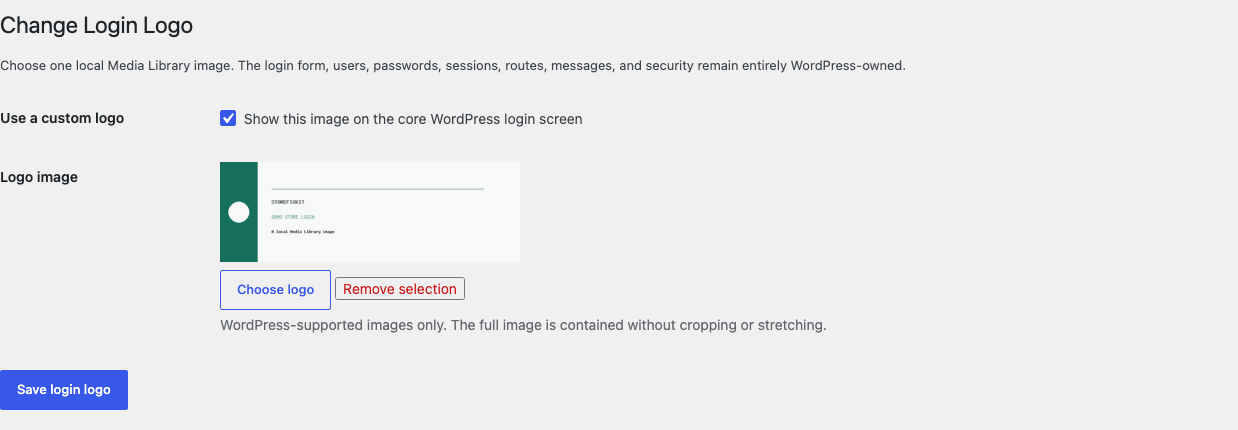
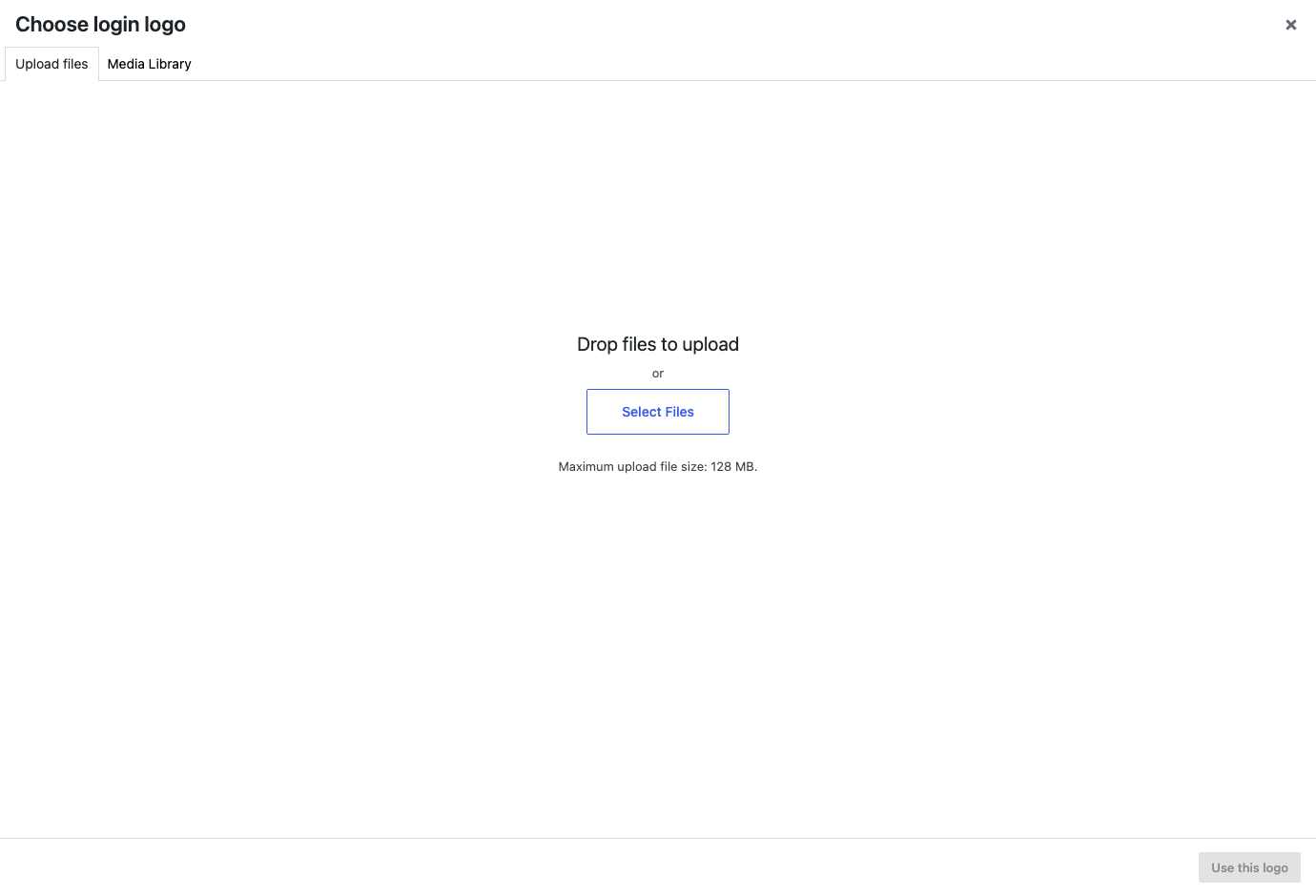
Open Settings > Login Logo and choose one local Media Library image.
02
Enable the custom logo and save the setting.
03
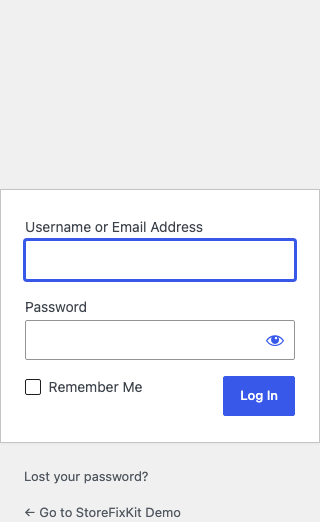
Open core wp-login.php on desktop and mobile and confirm the unchanged form works normally.
Actual product
What you configure and what the visitor sees.
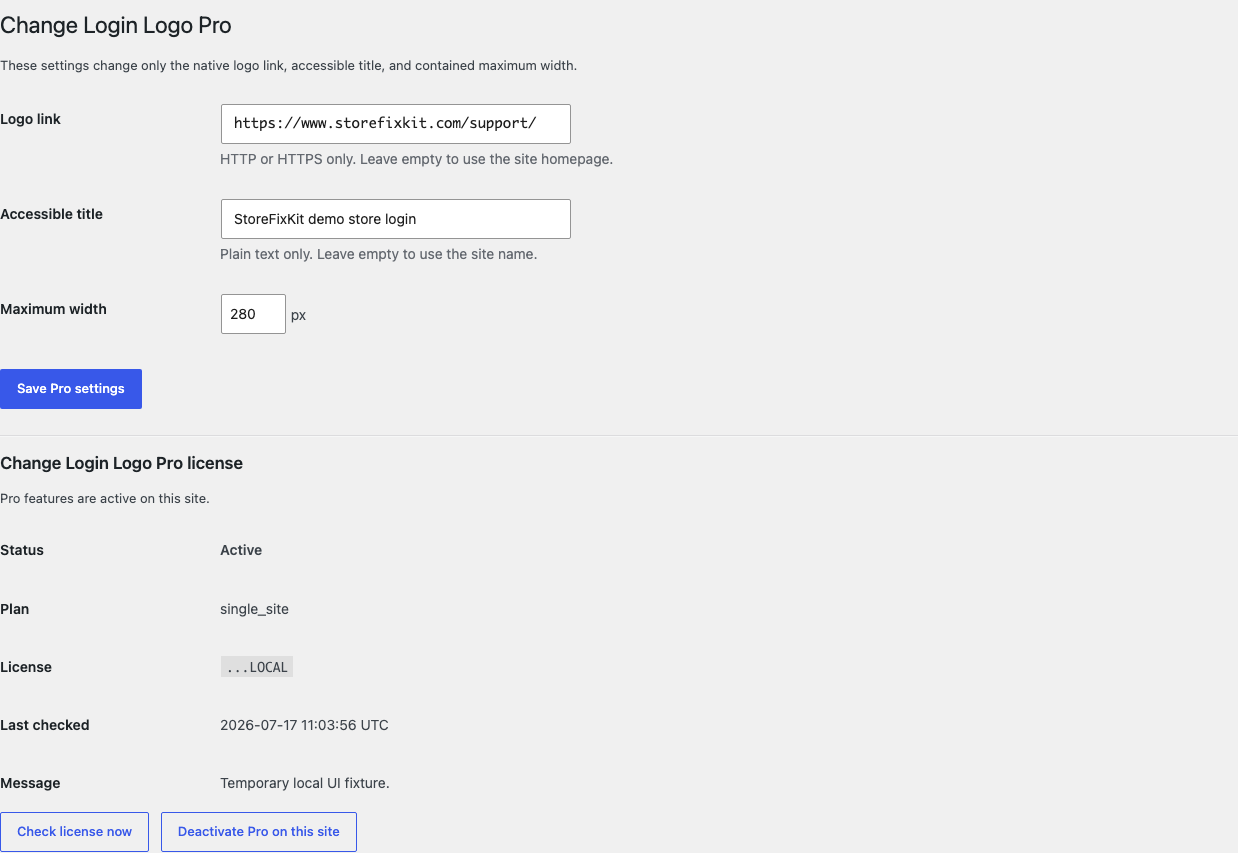
Only the native logo image, link, title, and optional width change; authentication remains WordPress-owned.Free stores one local attachment ID and fails back to WordPress when it is unavailable.The standard media picker loads only on this settings page.Pro adds three bounded display values without touching the login form or security.
Free and Pro
Free keeps working. Pro adds capacity.
Free 0.1.3
No account or license required
Choose one local WordPress Media Library image through the standard media picker.
Contain the complete image in the native core login-logo area without stretching or cropping.
Use the site homepage and site name, then restore WordPress's native result if the image is unavailable.
Prepared for WordPress.org submission; no public-directory approval is claimed yet.
Pro 0.1.3
$39 per year
Use one valid HTTP or HTTPS destination for the native logo link.
Write one plain-text accessible title up to 120 characters.
Choose one contained maximum width from 40 to 500 pixels.
Designed to stop quietly instead of changing store truth.
The free workflow is independent of Stripe, the StoreFixKit license API, and Pro. A billing or network problem cannot rewrite the parent plugin's data.
Never reads or changes users, passwords, capabilities, sessions, cookies, authentication, routes, redirects, errors, CAPTCHA, two-factor authentication, registration, or password reset.
Never uploads, edits, deletes, copies, regenerates, optimizes, remotely loads, or enables a media format.
Creates no template override, sitewide asset, custom table, cron job, telemetry, analytics event, public StoreFixKit request, or remote image request.
A disabled setting, missing or invalid attachment, custom login surface, expired license, or unavailable Pro service prints no unsafe fallback and preserves WordPress behavior.
14-day trial
No card required to test Pro on one site.
Stripe hosts checkout and billing. The StoreFixKit success page creates a product-bound license and Pro download. Add a payment method before trial end only if you want the annual plan to continue.
No. The plugin does not connect to credentials, authentication, users, sessions, cookies, routes, redirects, CAPTCHA, two-factor authentication, registration, or password reset.
Why does a custom login page still show another logo?
That page may bypass WordPress's core login hooks; this focused plugin does not replace templates or patch custom pages.
Does Free stop when a Pro license expires?
No. The Free local image, homepage link, and site-name title continue; only the Pro destination, title, and width turn off.