No card required. Add a payment method before day 14 to continue; otherwise Stripe cancels the subscription automatically.
Real WordPress interfaceFree 0.1.2 / Pro 0.1.2
One jobAdd one tracking number to a WooCommerce order and show it in later customer emails and authorized My Account order details without sending email or changing order status.
RequiresWooCommerce 8.9 or newer
Free statusRelease candidate prepared for WordPress.org review
Three decisions
Set it up without code.
01
Open WooCommerce > Tracking Numbers and enable the customer surfaces you use.
02
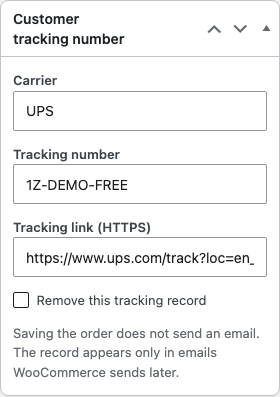
Open an order and enter the carrier, tracking number, and optional HTTPS link.
03
Save before WooCommerce generates the next customer email, then check My Account.
Actual product
What you configure and what the visitor sees.
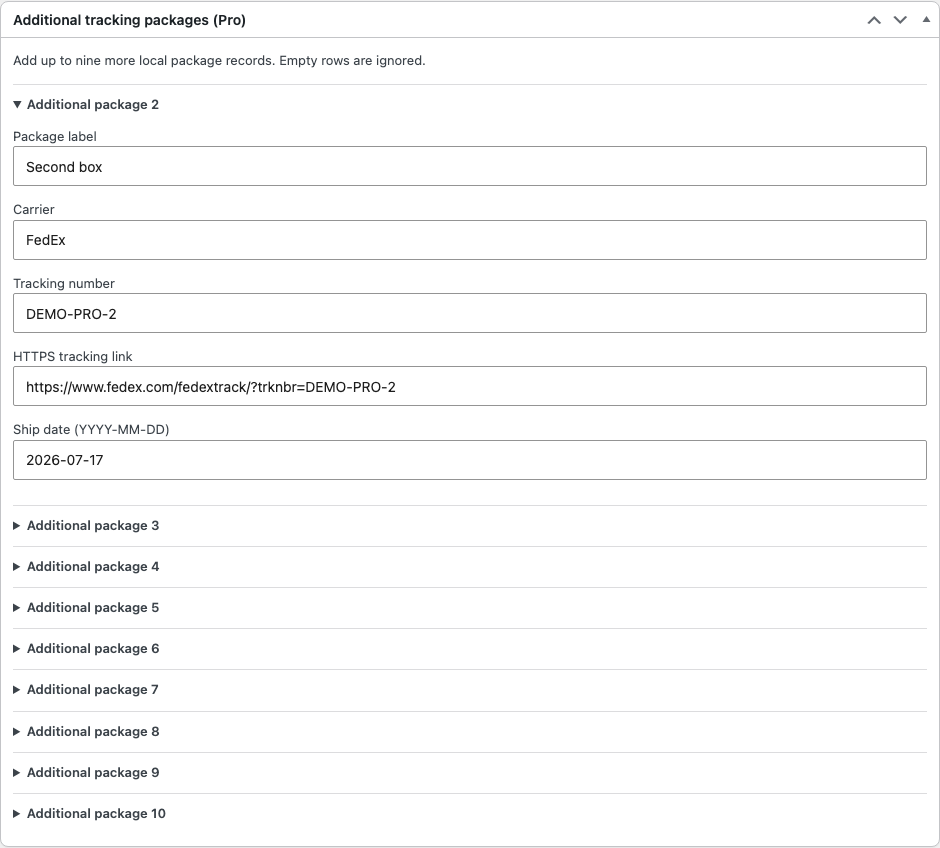
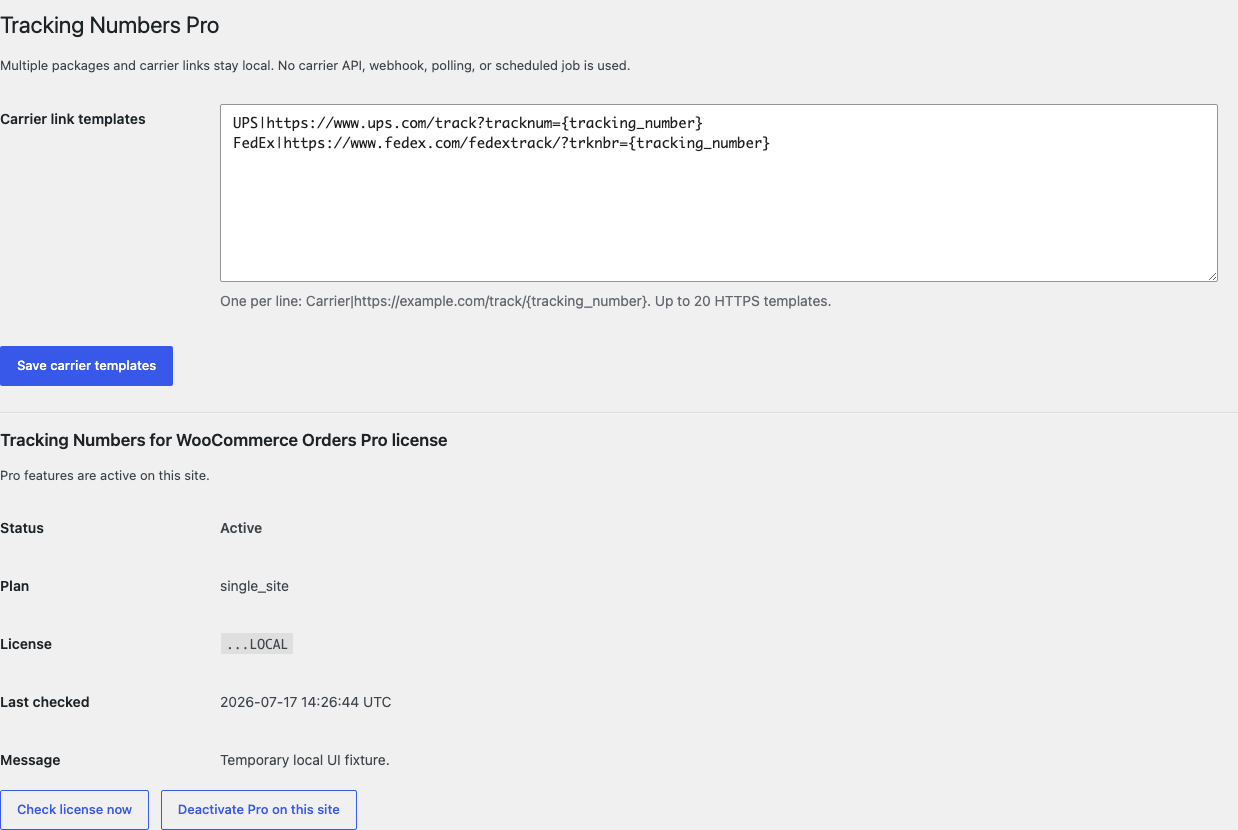
Customers see the same escaped local record only after WooCommerce authorizes access to the order.Free keeps the job to three familiar fields on the order you are already editing.Pro adds bounded package capacity; empty panels remain collapsed and are ignored.Carrier templates build links locally without APIs, webhooks, polling, or scheduled work.
Free and Pro
Free keeps working. Pro adds capacity.
Free 0.1.2
No account or license required
Save one carrier, tracking number, and optional HTTPS link on an authorized order.
Show the record in later native customer order emails without sending or resending email.
Show the same record only in authorized native My Account order details.
Prepared for WordPress.org submission; no public-directory approval is claimed yet.
Pro 0.1.2
$59 per year
Keep up to ten bounded local package records on one order.
Build optional HTTPS links from up to 20 local carrier templates.
Add a package label and real ship date without changing fulfillment or order status.
Designed to stop quietly instead of changing store truth.
The free workflow is independent of Stripe, the StoreFixKit license API, and Pro. A billing or network problem cannot rewrite the parent plugin's data.
Saving tracking data never sends email, contacts a carrier, buys a label, or changes order status.
Writes require WooCommerce management permission, exact-order edit permission, and an order-bound nonce.
No custom table, cron, polling, order scan, telemetry, frontend asset, or storefront remote request.
An inaccessible order, invalid record, missing WooCommerce, or unavailable Pro service leaves native behavior unchanged.
14-day trial
No card required to test Pro on one site.
Stripe hosts checkout and billing. The StoreFixKit success page creates a product-bound license and Pro download. Add a payment method before trial end only if you want the annual plan to continue.