No card required. Add a payment method before day 14 to continue; otherwise Stripe cancels the subscription automatically.
Real WordPress interfaceFree 0.1.1 / Pro 0.1.1
One jobChange the words shoppers see for WooCommerce In stock, Out of stock, and On backorder without changing inventory, purchasing, carts, or orders.
RequiresWooCommerce 8.9 or newer
Free statusRelease candidate prepared for WordPress.org review
Three decisions
Set it up without code.
01
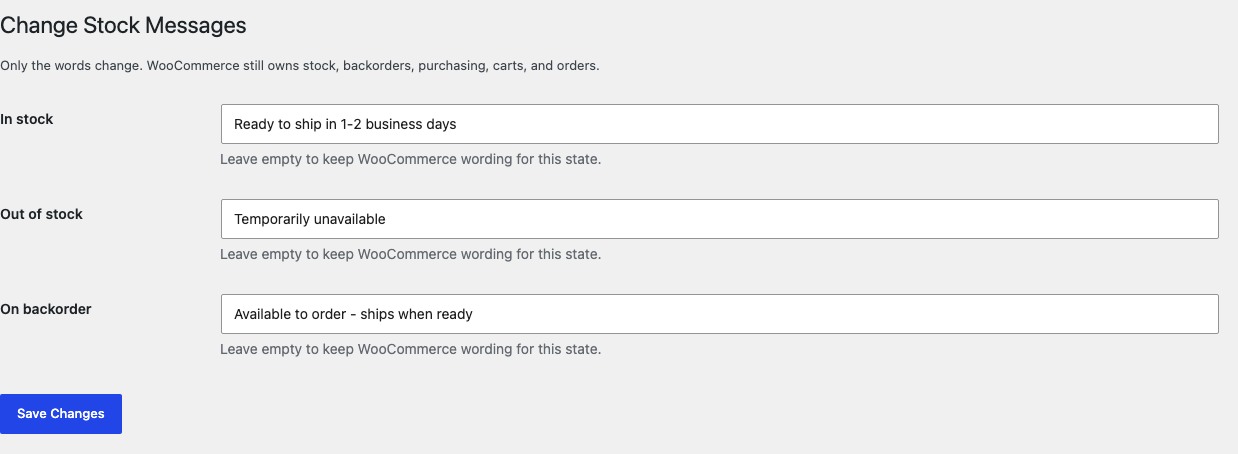
Open WooCommerce > Stock Messages.
02
Write the In stock, Out of stock, and On backorder sentences you want shoppers to see.
03
Save, then test the three real WooCommerce states without changing inventory through the plugin.
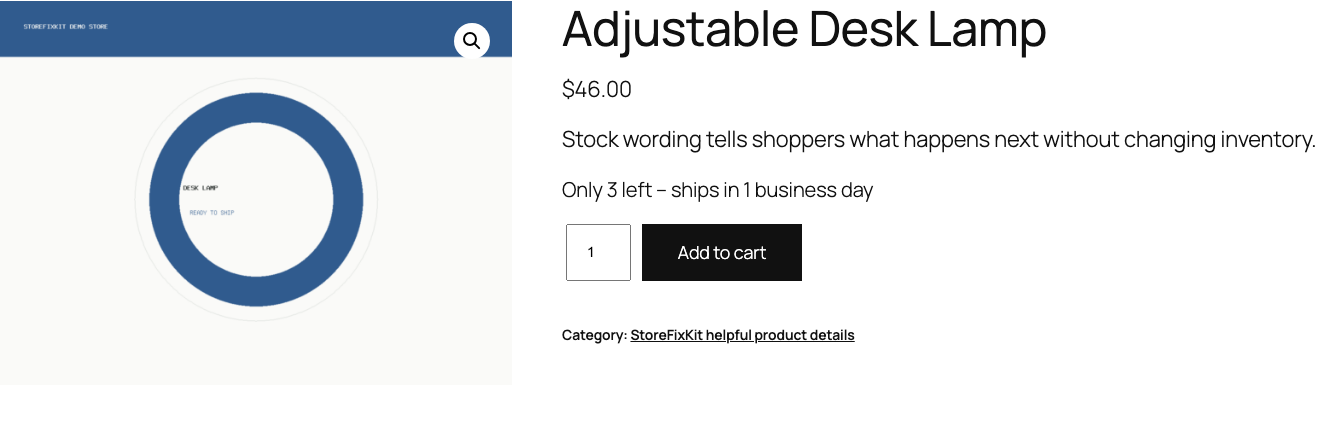
Actual product
What you configure and what the visitor sees.
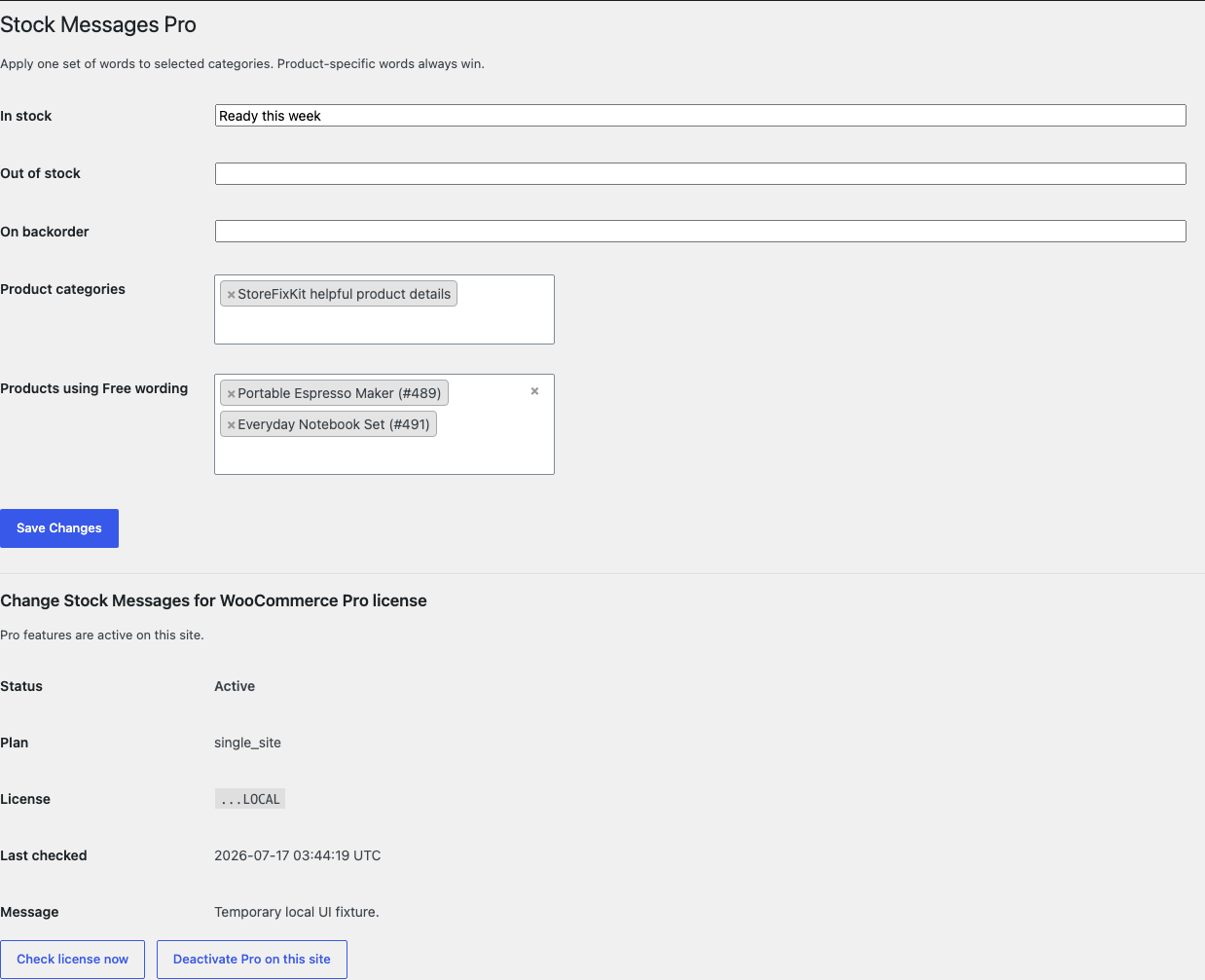
Only the sentence changes; inventory and Add to cart remain WooCommerce behavior.Free keeps the three native messages on one discoverable settings page.Pro adds product and category wording without inventing another inventory system.
Free and Pro
Free keeps working. Pro adds capacity.
Free 0.1.1
No account or license required
Write one store-wide plain-text message for each native WooCommerce stock state.
Leave any field empty to preserve WooCommerce's original wording.
Change display text only after WooCommerce has made its inventory decision.
Prepared for WordPress.org submission; no public-directory approval is claimed yet.
Pro 0.1.1
$39 per year
Add bounded product-specific wording for the same three native states.
Reuse one message set across selected product categories.
Keep explicit products on the current Free wording.
Designed to stop quietly instead of changing store truth.
The free workflow is independent of Stripe, the StoreFixKit license API, and Pro. A billing or network problem cannot rewrite the parent plugin's data.
Never changes stock quantity, status, backorders, purchasability, prices, carts, orders, or emails.
An empty message, invalid product, or unknown state returns WooCommerce's previous text unchanged.
14-day trial
No card required to test Pro on one site.
Stripe hosts checkout and billing. The StoreFixKit success page creates a product-bound license and Pro download. Add a payment method before trial end only if you want the annual plan to continue.