No card required. Add a payment method before day 14 to continue; otherwise Stripe cancels the subscription automatically.
Real WordPress interfaceFree 0.1.5 / Pro 0.1.5
One jobChoose one existing Media Library image and show it as a keyboard-operable inline size guide on selected WooCommerce products.
RequiresWooCommerce 8.0 or newer
Free statusRelease candidate prepared for WordPress.org review
Three decisions
Set it up without code.
01
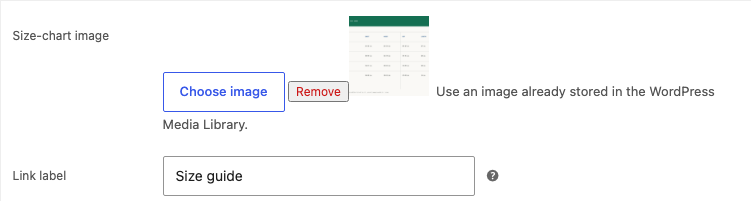
Open the WooCommerce product and choose an image from the Media Library.
02
Keep or edit the Size guide label.
03
Update the product, open the guide on desktop and mobile, and verify the image.
Actual product
What you configure and what the visitor sees.
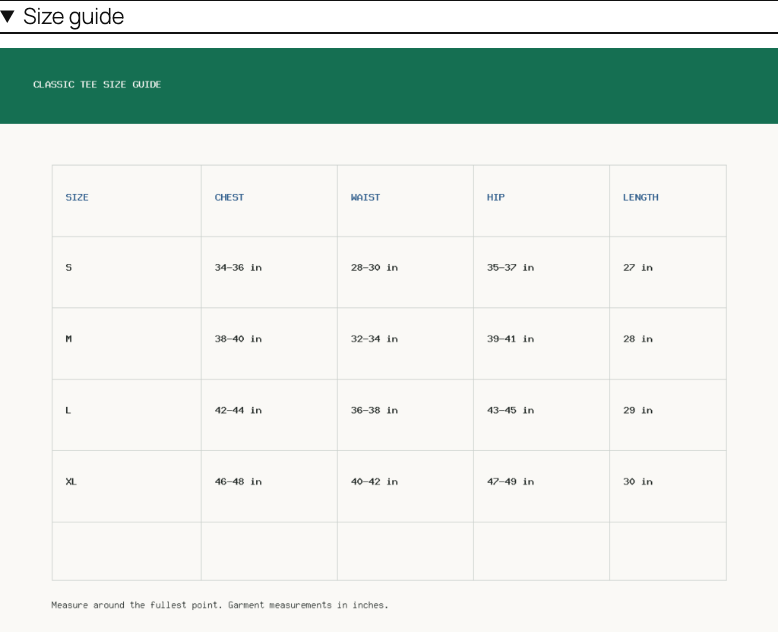
Free links one local Media Library image to one product.The native disclosure works with a keyboard and needs no popup script.Pro reuses one chart through three documented WooCommerce hook positions.
Free and Pro
Free keeps working. Pro adds capacity.
Free 0.1.5
No account or license required
Choose one existing WordPress image per product.
Edit the plain Size guide label.
Render a native inline disclosure with WordPress responsive image markup and no frontend JavaScript.
Prepared for WordPress.org submission; no public-directory approval is claimed yet.
Pro 0.1.5
$39 per year
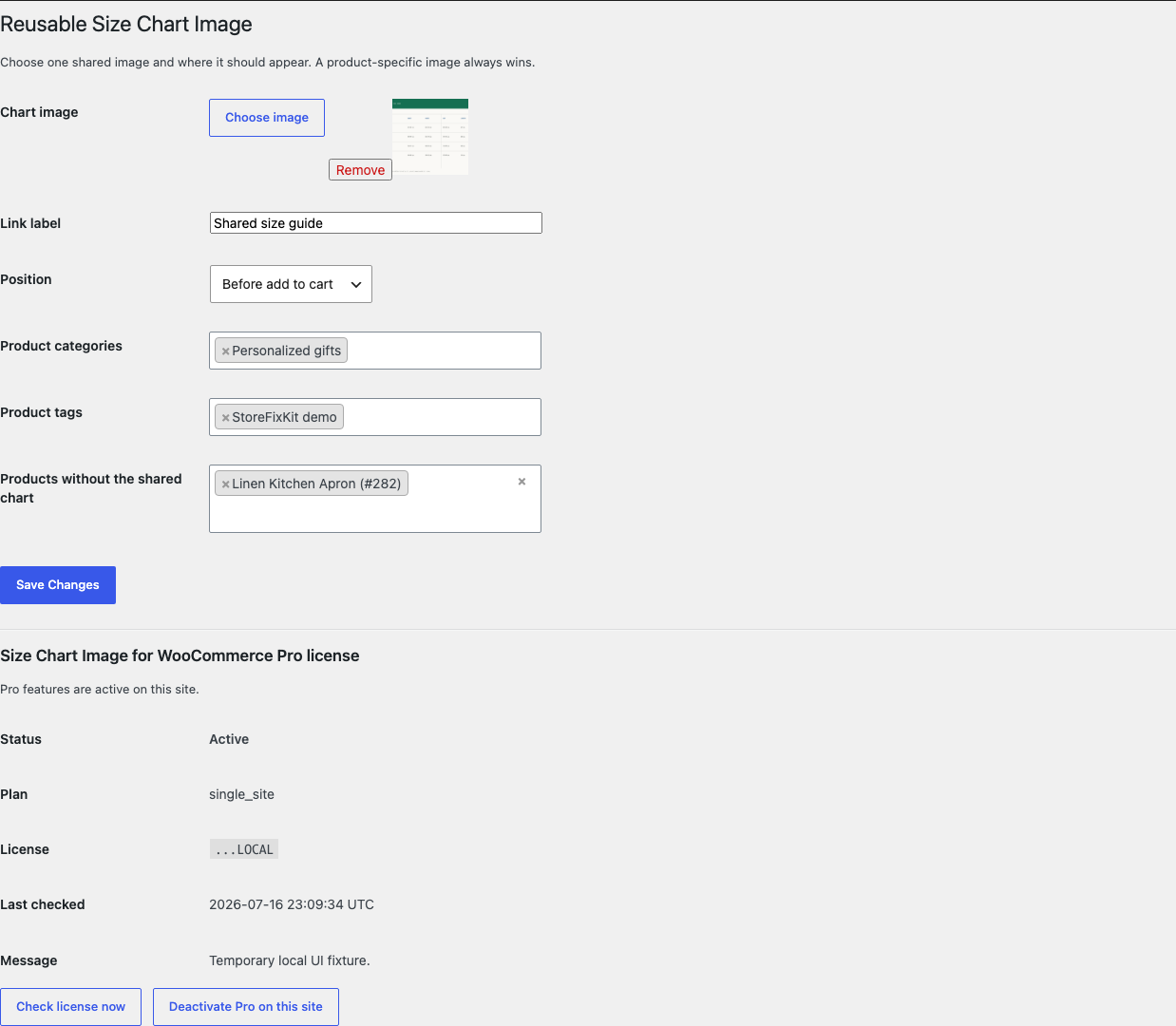
Reuse one shared chart by product category or tag.
Choose after price, before add to cart, or after product details.
Designed to stop quietly instead of changing store truth.
The free workflow is independent of Stripe, the StoreFixKit license API, and Pro. A billing or network problem cannot rewrite the parent plugin's data.
Never uploads, edits, crops, regenerates, or deletes a Media Library attachment.
Never replaces the product gallery, theme template, core tabs, price, stock, cart, checkout, or order data.
Creates no modal, frontend script, custom table, cron job, telemetry, or remote image request.
A missing, private, invalid, or non-image attachment renders nothing and leaves the page unchanged.
14-day trial
No card required to test Pro on one site.
Stripe hosts checkout and billing. The StoreFixKit success page creates a product-bound license and Pro download. Add a payment method before trial end only if you want the annual plan to continue.