No card required. Add a payment method before day 14 to continue; otherwise Stripe cancels the subscription automatically.
Real WordPress interfaceFree 0.1.1 / Pro 0.1.1
One jobRemove any of WooCommerce's native Description, Additional information, and Reviews tabs by exact key while every description, attribute, and review stays stored and untouched, and every unknown or third-party tab stays native.
RequiresWooCommerce 8.9 or newer
Free statusRelease candidate prepared for WordPress.org review
Three decisions
Set it up without code.
01
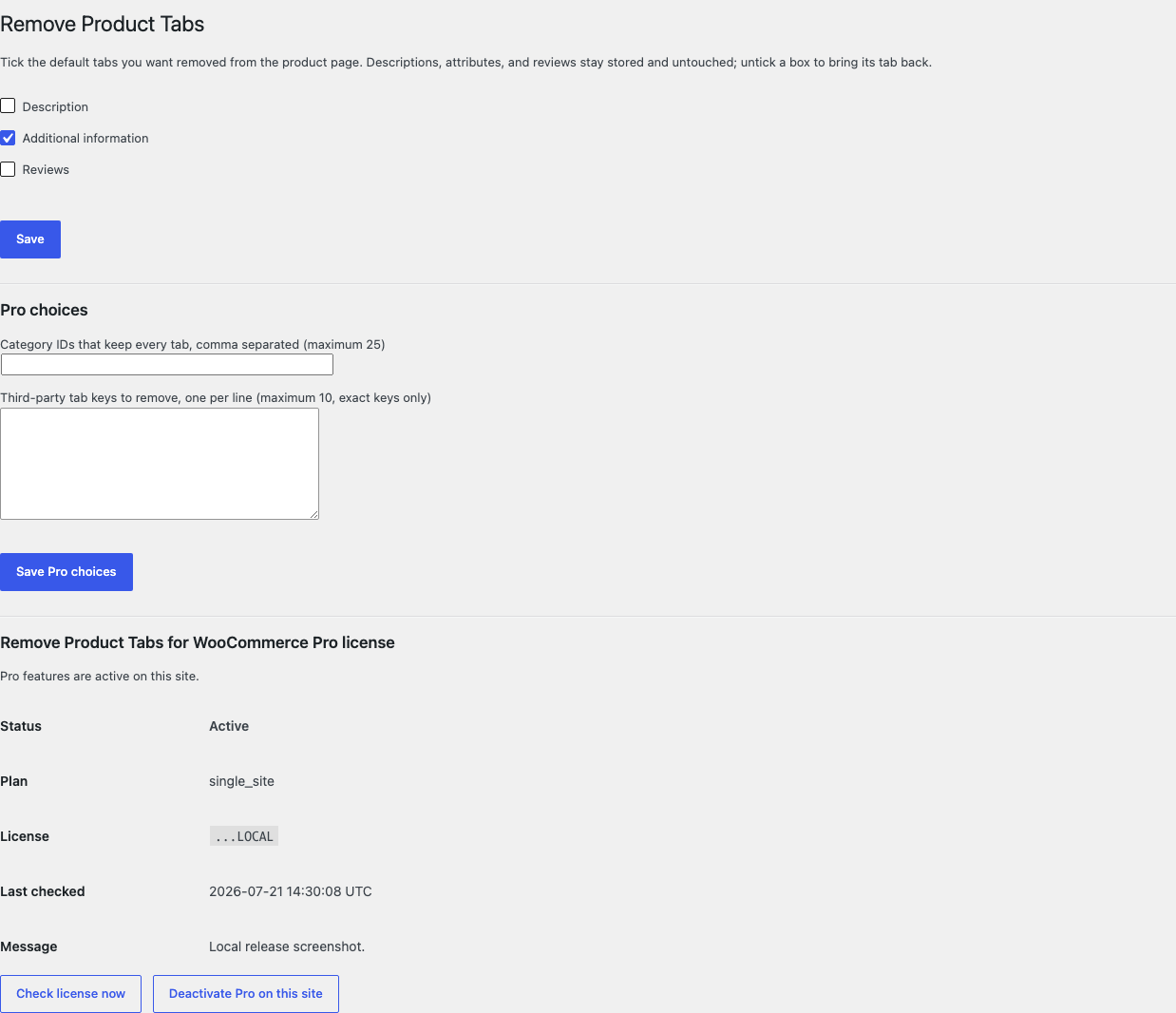
Open WooCommerce > Remove Product Tabs and tick the native tabs you want removed.
02
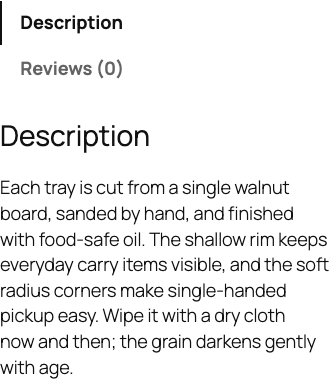
Open one product page while signed out and confirm the remaining tabs render natively.
03
Untick a box and confirm its tab returns while the underlying content remains stored.
Actual product
What you configure and what the visitor sees.
Free removes only the native tabs you tick; their content stays stored.The ticked tab is absent while every remaining tab keeps its native label and order.The same exact-key removal works at a 390-pixel viewport without plugin CSS or JavaScript.Pro adds bounded category exceptions and at most 10 exact third-party keys.
Free and Pro
Free keeps working. Pro adds capacity.
Free 0.1.1
No account or license required
Choose the native Description, Additional information, and Reviews tabs independently with three labeled checkboxes.
Unset only ticked exact keys from WooCommerce's native product-tabs array while the page renders.
Leave descriptions, attributes, reviews, comments, unknown keys, renamed tabs, and third-party tabs stored and unchanged.
Prepared for WordPress.org submission; no public-directory approval is claimed yet.
Pro 0.1.1
$39 per year
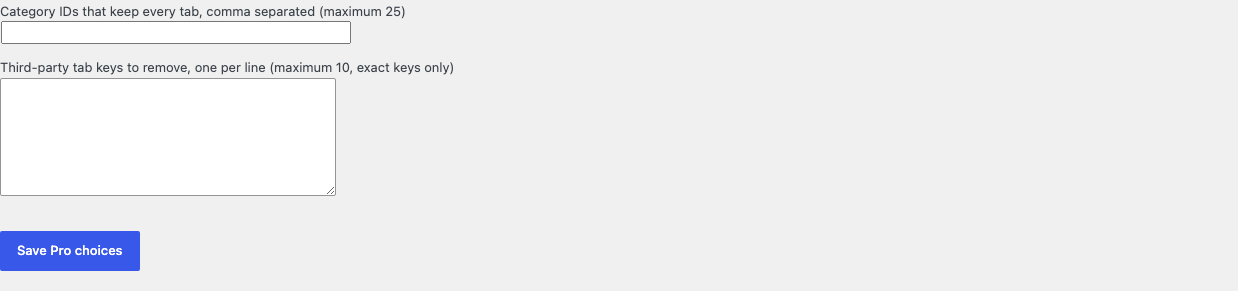
Keep every tab visible for products in at most 25 excluded categories.
Remove at most 10 explicitly named third-party tab keys by exact match only.
Add no tab creation, renaming, reordering, restyling, content editor, accordion conversion, or fuzzy matching.
Designed to stop quietly instead of changing store truth.
The free workflow is independent of Stripe, the StoreFixKit license API, and Pro. A billing or network problem cannot rewrite the parent plugin's data.
Unsets only exact, allowlisted keys from the array WooCommerce already passes through its native product-tabs filter.
Descriptions, attributes, reviews, comments, products, carts, orders, and customers are never edited or deleted.
Free continues locally when Pro, billing, the network, or the StoreFixKit license service is unavailable.
No content query, template override, custom table, cron, queue, telemetry, frontend asset, or storefront StoreFixKit request.
14-day trial
No card required to test Pro on one site.
Stripe hosts checkout and billing. The StoreFixKit success page creates a product-bound license and Pro download. Add a payment method before trial end only if you want the annual plan to continue.