No card required. Add a payment method before day 14 to continue; otherwise Stripe cancels the subscription automatically.
Real WordPress interfaceFree 0.1.0 / Pro 0.1.0
One jobSend customer-role logins from the WooCommerce account form to one published page you pick from a dropdown, while administrators, shop managers, wp-login.php, and registration keep native behavior.
RequiresWooCommerce 8.9 or newer
Free statusRelease candidate prepared for WordPress.org review
Three decisions
Set it up without code.
01
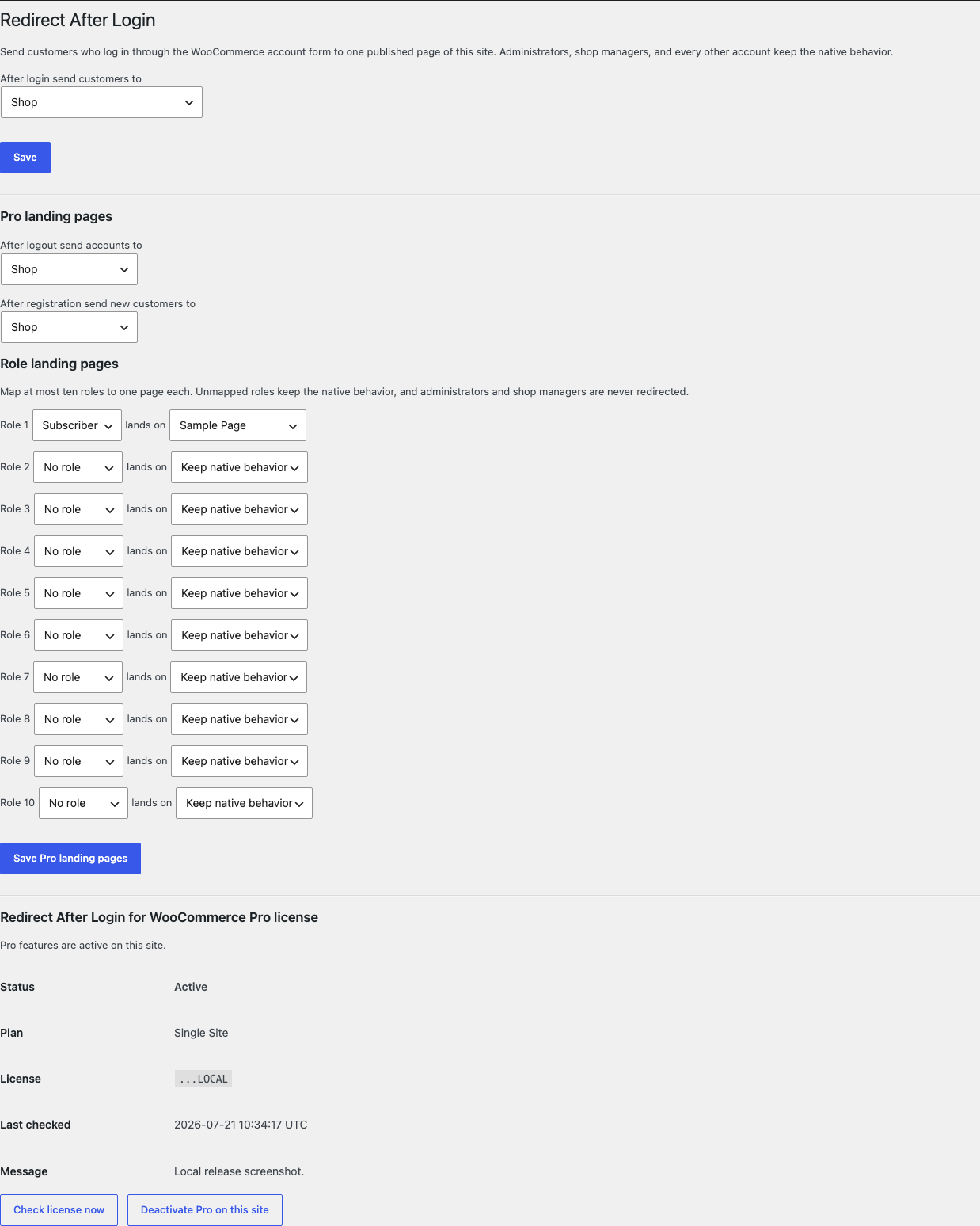
Open WooCommerce > Redirect After Login and pick one page from the dropdown.
02
Log in as a test customer through the account page and land on the chosen page.
03
Log in as an administrator and confirm the native My Account landing is unchanged.
Actual product
What you configure and what the visitor sees.
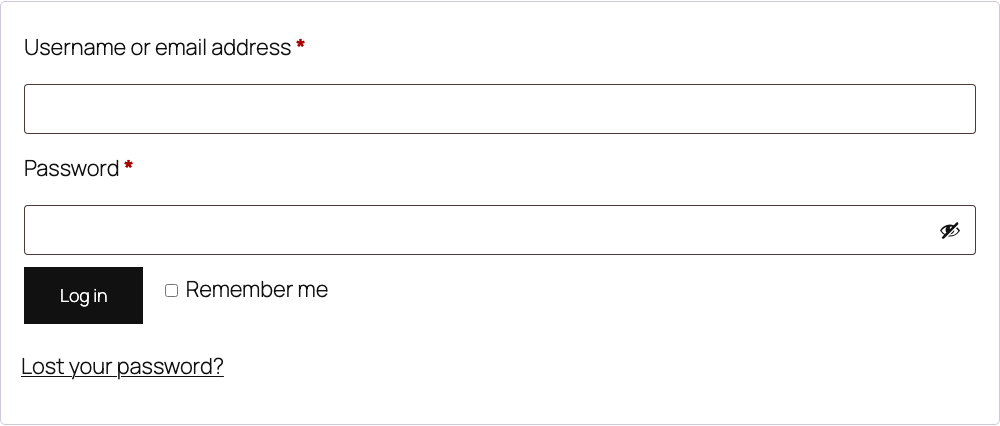
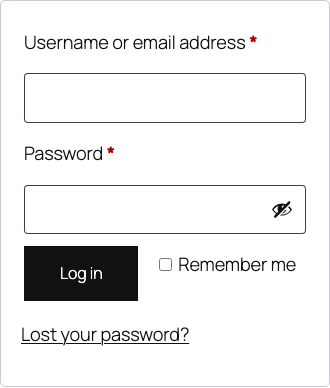
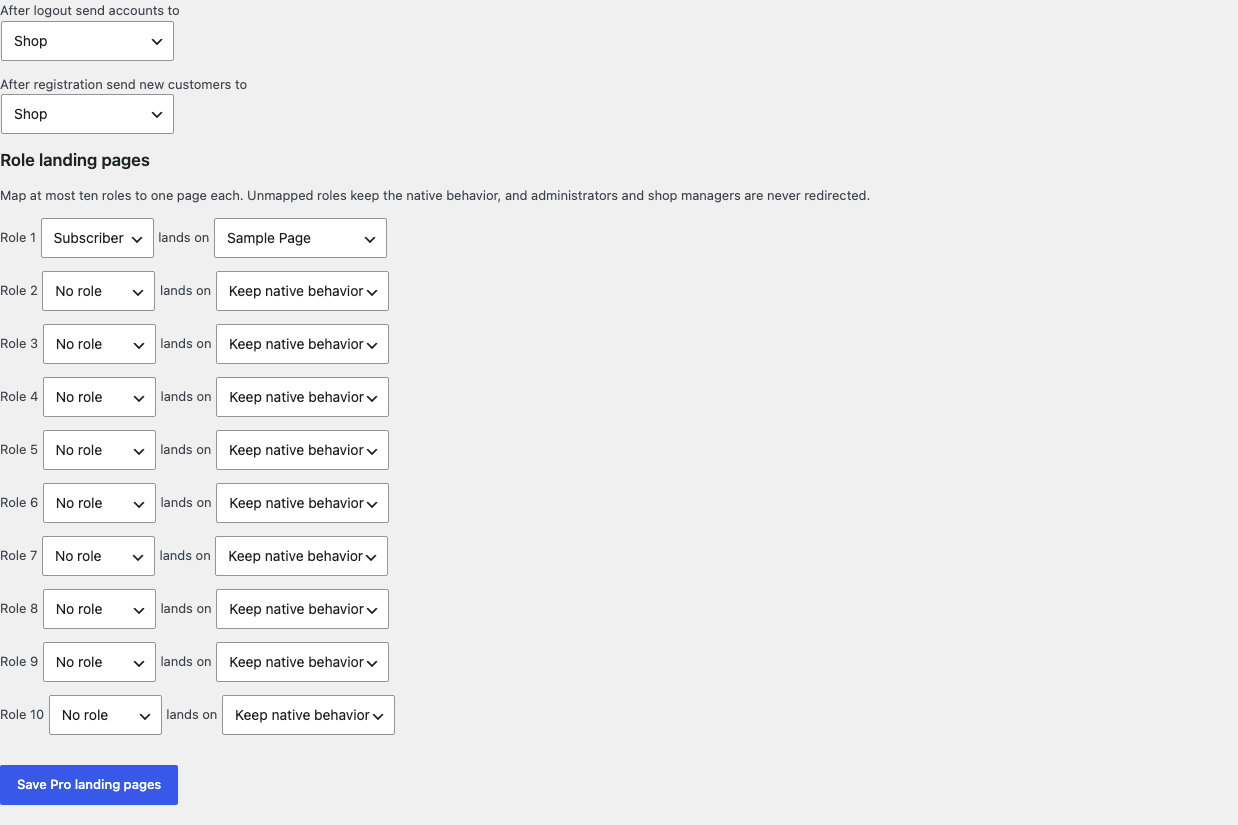
Free asks for one dropdown choice; the target is always a published page of this site.Customers log in through the native WooCommerce account form and land on the chosen page.The native login form stays untouched at a 390-pixel viewport; only the landing changes.Pro adds logout and registration landings plus bounded role-to-page choices.
Free and Pro
Free keeps working. Pro adds capacity.
Free 0.1.0
No account or license required
Pick one published page of this site from a dropdown; the setting stores a page ID, never a free URL.
Redirect only customer-role logins through WooCommerce's native login redirect filter.
Return native behavior for every other role, a deleted or unpublished page, or any uncertain state.
Prepared for WordPress.org submission; no public-directory approval is claimed yet.
Pro 0.1.0
$39 per year
Choose one logout landing page and one after-registration page, each stored as a page ID.
Map at most 10 roles to individual pages; unmapped roles keep native behavior.
Administrators and shop managers are never redirected, before any mapping is read.
Designed to stop quietly instead of changing store truth.
The free workflow is independent of Stripe, the StoreFixKit license API, and Pro. A billing or network problem cannot rewrite the parent plugin's data.
Targets can only be published pages of this site because the setting stores a page ID that is re-verified at login time.
wp-login.php, wp-admin, sessions, passwords, and registration flows are never touched.
Free continues locally when Pro, billing, the network, or the StoreFixKit license service is unavailable.
No query engine, custom table, cron, telemetry, frontend asset, or storefront StoreFixKit request.
14-day trial
No card required to test Pro on one site.
Stripe hosts checkout and billing. The StoreFixKit success page creates a product-bound license and Pro download. Add a payment method before trial end only if you want the annual plan to continue.