No card required. Add a payment method before day 14 to continue; otherwise Stripe cancels the subscription automatically.
Real WordPress interfaceFree 0.1.3 / Pro 0.1.3
One jobChange only the plain-text label on WooCommerce's standard final checkout button in classic and block checkout, without changing markup, payment, validation, order creation, or submission.
RequiresWooCommerce 8.9 or newer
Free statusRelease candidate prepared for WordPress.org review
Three decisions
Set it up without code.
01
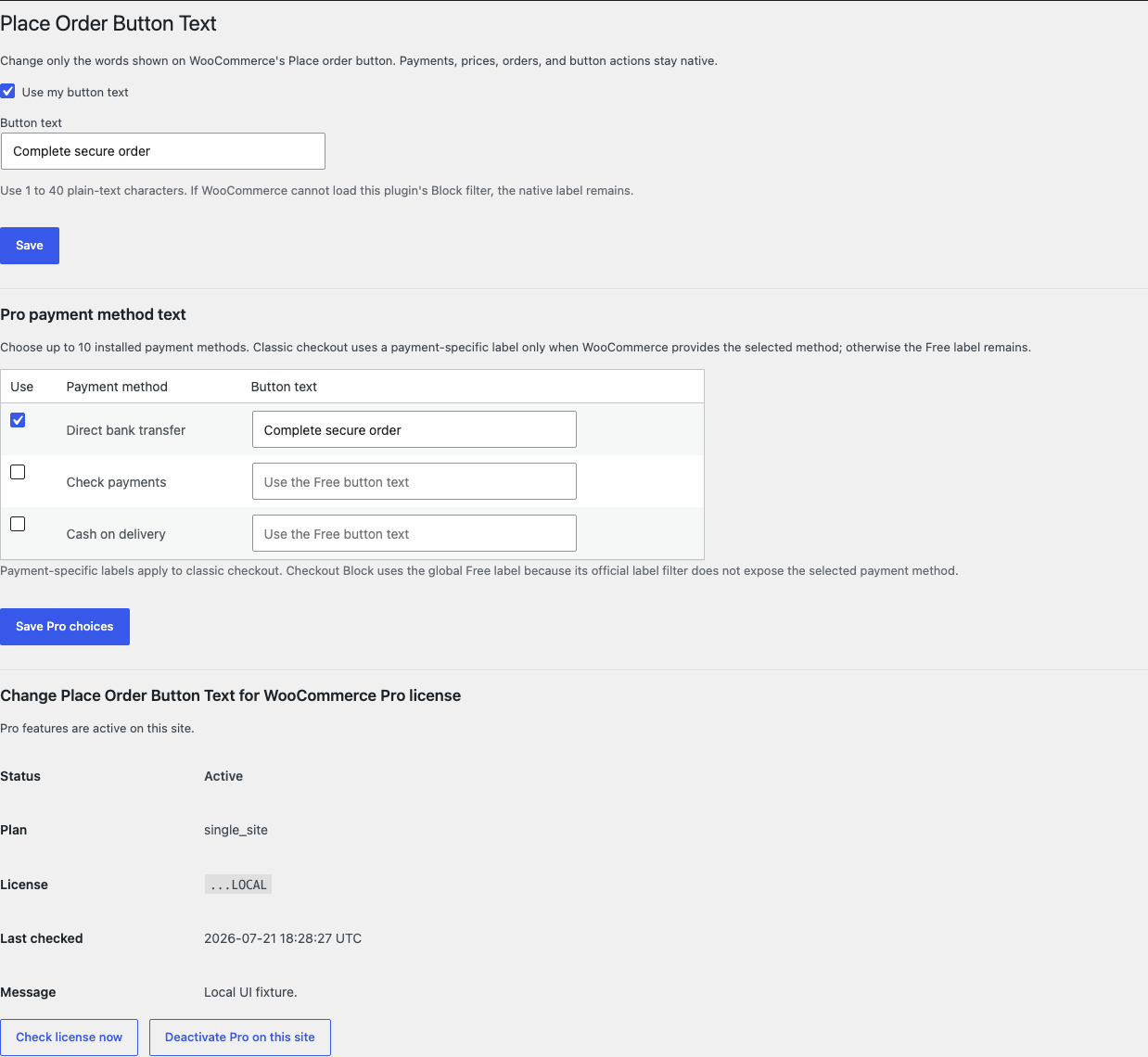
Open WooCommerce > Place Order Button Text and enable your button text.
02
Enter 1 to 40 plain-text characters and save.
03
Test the standard final button and a safe test order in every checkout type your store uses.
Actual product
What you configure and what the visitor sees.
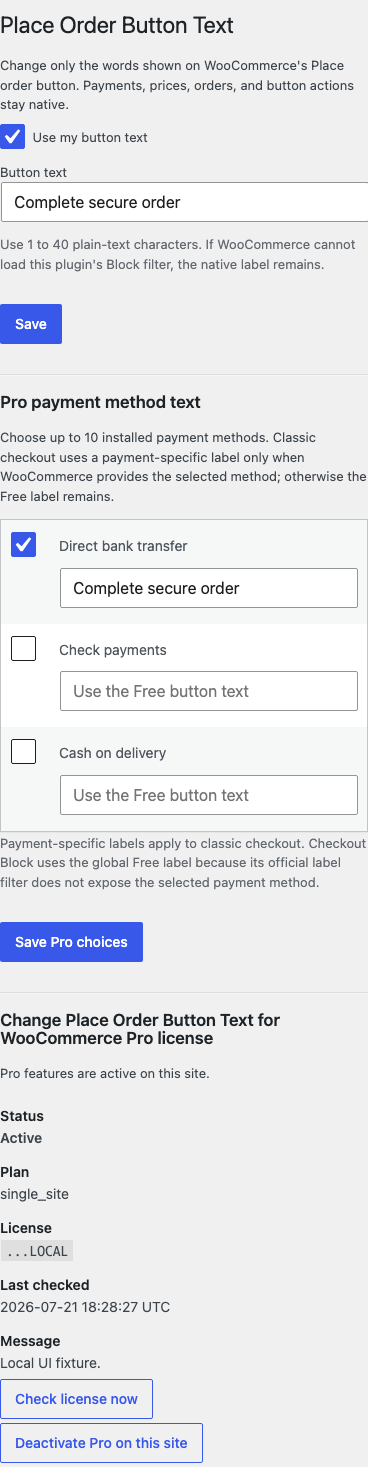
The desktop settings use one bounded global label and readable installed payment-method names.The button-label controls remain readable at a phone-width viewport.
Free and Pro
Free keeps working. Pro adds capacity.
Free 0.1.3
No account or license required
Turn on one setting and save a 1-to-40-character plain-text label.
Use WooCommerce's documented classic filter and official Checkout Block placeOrderButtonLabel filter.
Return the native label for invalid text, missing WooCommerce, or unavailable Block filter APIs.
Prepared for WordPress.org submission; no public-directory approval is claimed yet.
Pro 0.1.3
$39 per year
Save labels for up to ten installed payment methods using their readable names.
Apply a payment-specific label only when WooCommerce supplies an exact documented payment-method context.
Use the global Free label instead of guessing when Checkout Block does not expose the selected method.
Designed to stop quietly instead of changing store truth.
The free workflow is independent of Stripe, the StoreFixKit license API, and Pro. A billing or network problem cannot rewrite the parent plugin's data.
Changes only a plain-text label through official WooCommerce filters.
Orders, payments, carts, customers, gateways, fields, templates, markup, validation, and click behavior are never written or replaced.
Checkout Block safely uses the global Free label when an exact payment-method context is absent.
No custom table, cron, queue, telemetry, frontend CSS, or checkout remote request; one small script loads only on Checkout Block pages.
14-day trial
No card required to test Pro on one site.
Stripe hosts checkout and billing. The StoreFixKit success page creates a product-bound license and Pro download. Add a payment method before trial end only if you want the annual plan to continue.
No. Validation, payment, order creation, submission, and redirect remain WooCommerce or gateway behavior.
Why does Checkout Block use the global label?
The official Block filter does not expose the selected payment method. Payment-specific Pro labels are supported on classic checkout only, so Checkout Block safely uses the global Free label.
Can this rename express-payment buttons?
No. Gateway-owned and express-payment components are outside this release.