No card required. Add a payment method before day 14 to continue; otherwise Stripe cancels the subscription automatically.
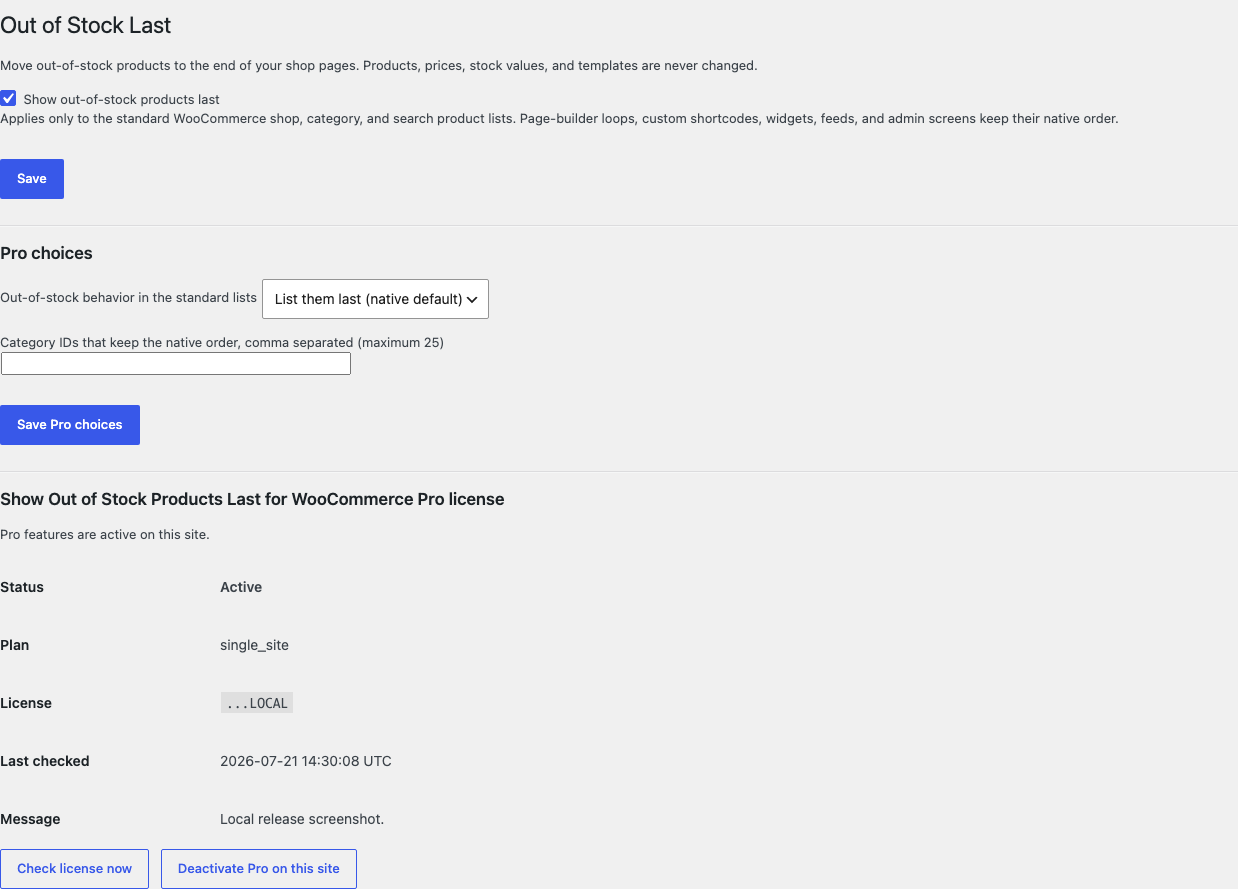
Real WordPress interfaceFree 0.1.1 / Pro 0.1.1
One jobMove out-of-stock products to the end of WooCommerce's standard shop, category, and product-search lists through one read-time ordering clause, without editing stock, products, templates, pagination, or non-standard queries.
RequiresWooCommerce 8.9 or newer
Free statusRelease candidate prepared for WordPress.org review
Three decisions
Set it up without code.
01
Open WooCommerce > Out of Stock Last and turn on the single switch.
02
Open the native shop page and one category while signed out.
03
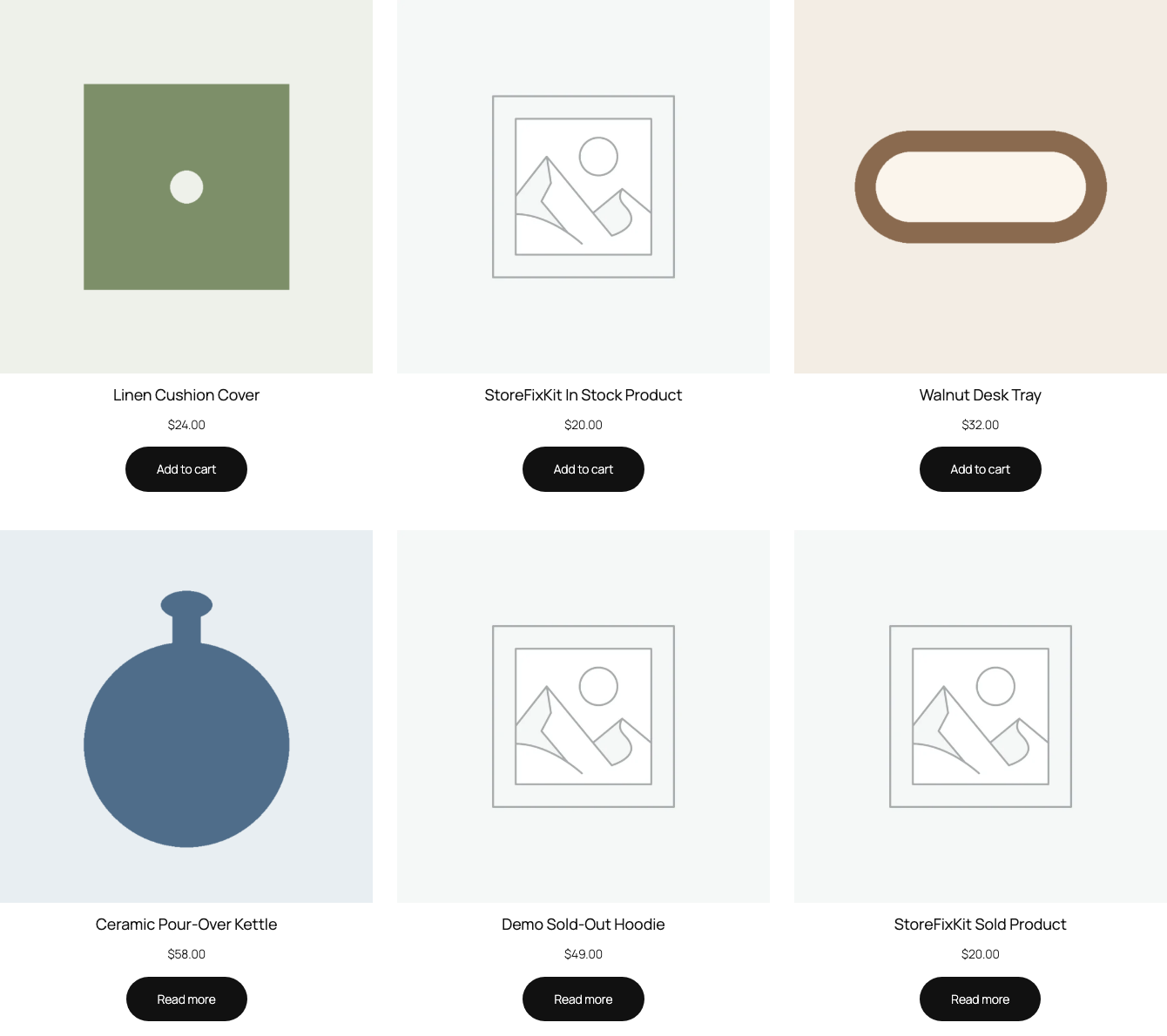
Confirm in-stock products lead, then turn the switch off and see the native order return immediately.
Actual product
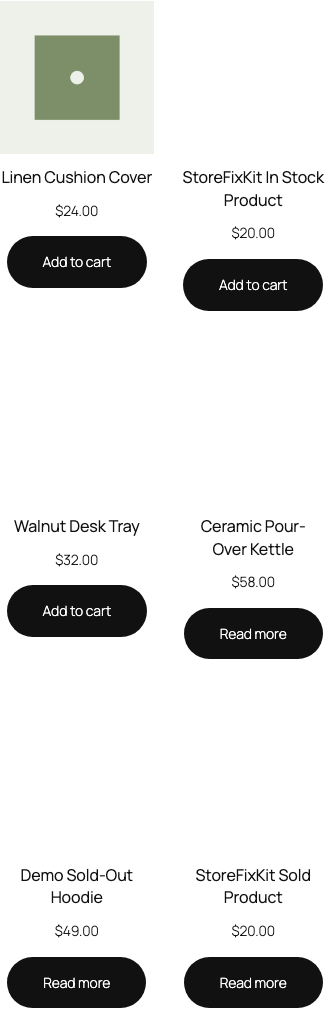
What you configure and what the visitor sees.
Free asks one question: should out-of-stock products move to the end of standard shop lists?Buyable products lead while the sold-out product stays visible at the end.The same native product order holds at a 390-pixel viewport without plugin CSS or JavaScript.Pro adds bounded category exceptions and one hide-or-list-last choice.
Free and Pro
Free keeps working. Pro adds capacity.
Free 0.1.1
No account or license required
Turn on one global switch after WordPress capability and nonce checks.
List in-stock products before out-of-stock products only in WooCommerce's standard shop, category, and product-search loops.
Leave page-builder grids, shortcodes, widgets, feeds, admin lists, REST responses, pagination, and search relevance on native behavior.
Prepared for WordPress.org submission; no public-directory approval is claimed yet.
Pro 0.1.1
$39 per year
Keep the native order on at most 25 excluded category archives.
Choose to hide out-of-stock products inside the same verified standard loops instead of listing them last.
Decide the current archive exception at read time without a scan, scheduled job, or product write.
Designed to stop quietly instead of changing store truth.
The free workflow is independent of Stripe, the StoreFixKit license API, and Pro. A billing or network problem cannot rewrite the parent plugin's data.
Adds one ordering clause only after WooCommerce marks a verified standard product loop; every uncertain query is returned unchanged.
Products, stock values, visibility, categories, templates, pagination counts, carts, orders, and customers are never written.
Free continues locally when Pro, billing, the network, or the StoreFixKit license service is unavailable.
No catalog scan, custom table, cron, queue, telemetry, frontend asset, or storefront StoreFixKit request.
14-day trial
No card required to test Pro on one site.
Stripe hosts checkout and billing. The StoreFixKit success page creates a product-bound license and Pro download. Add a payment method before trial end only if you want the annual plan to continue.