No card required. Add a payment method before day 14 to continue; otherwise Stripe cancels the subscription automatically.
Real WordPress interfaceFree 0.1.4 / Pro 0.1.4
One jobShow one plain-text New badge on recently published WooCommerce products without scanning the catalog, changing dates, or saving another product status.
RequiresWooCommerce 8.9 or newer
Free statusRelease candidate prepared for WordPress.org review
Three decisions
Set it up without code.
01
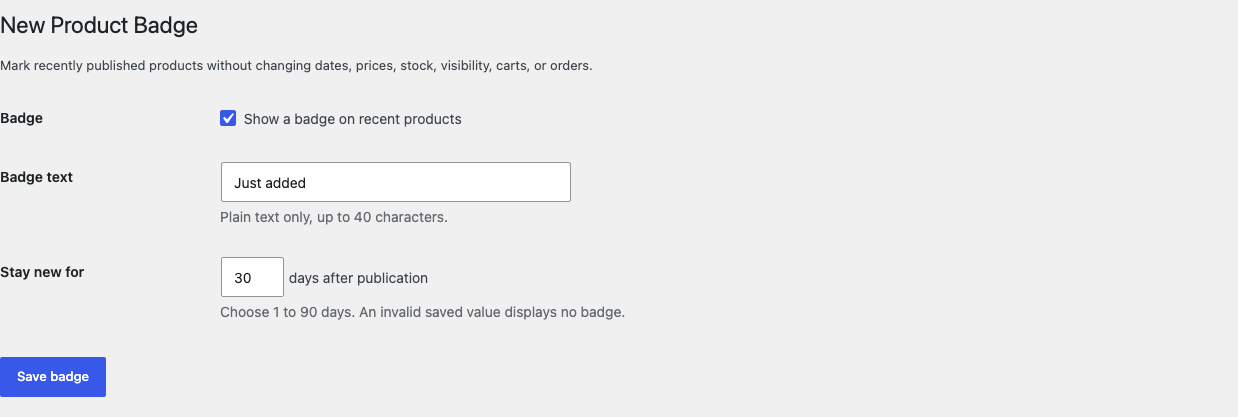
Open WooCommerce > New Badge and enable the badge.
02
Write the label and choose how many days a published product stays new.
03
Save, then test a recent, expired, future-dated, and draft product.
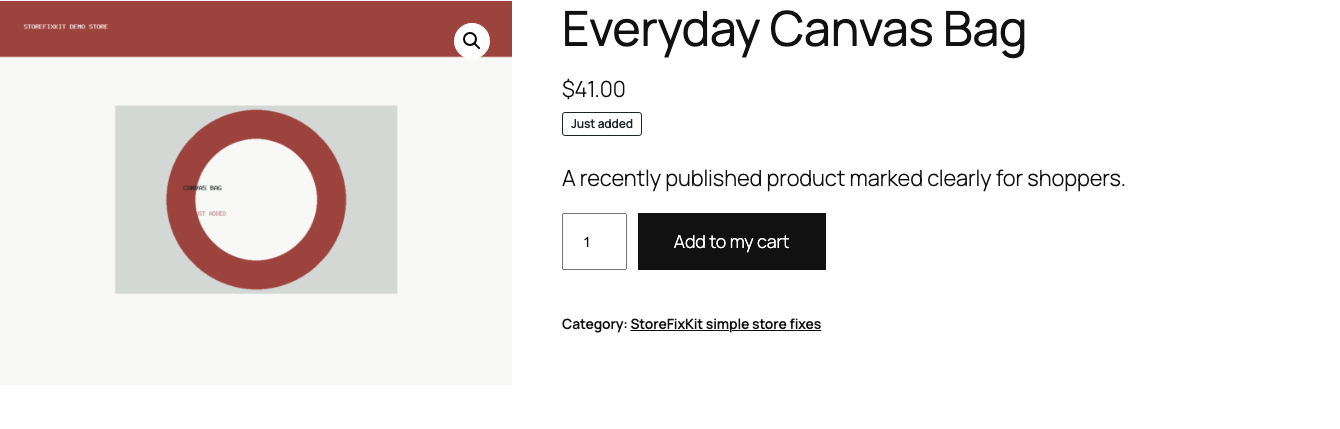
Actual product
What you configure and what the visitor sees.
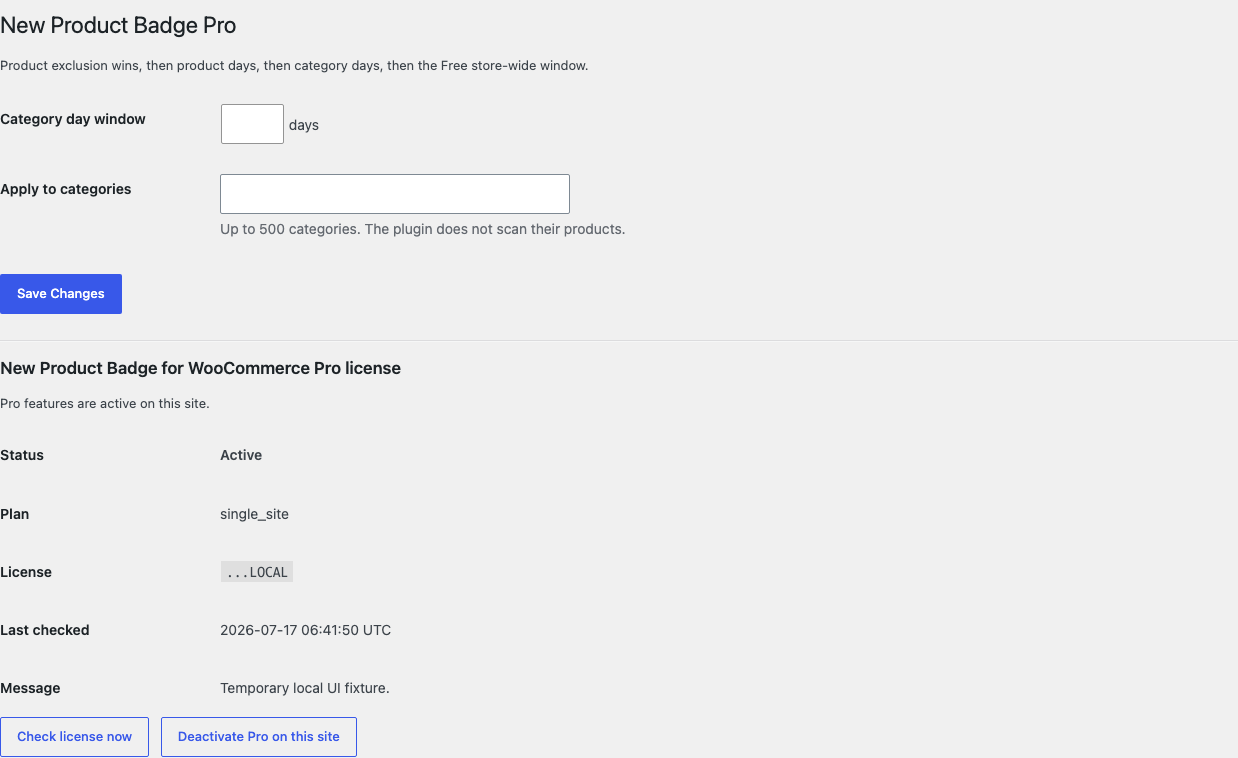
The label is informational and noninteractive. Price, stock, and Add to cart remain WooCommerce behavior.Free uses one switch, one plain-text label, and one bounded 1 to 90 day window.Pro adds bounded category and product rules without scanning or rewriting products.
Free and Pro
Free keeps working. Pro adds capacity.
Free 0.1.4
No account or license required
Write one bounded plain-text badge label such as New or Just added.
Choose one store-wide recent window from 1 to 90 days.
Use the already loaded published product and its existing publication timestamp.
Prepared for WordPress.org submission; no public-directory approval is claimed yet.
Pro 0.1.4
$39 per year
Use another bounded day window for selected product categories.
Give an individual product its own 1 to 90 day window.
Exclude an individual product from every broader New-badge rule.
Designed to stop quietly instead of changing store truth.
The free workflow is independent of Stripe, the StoreFixKit license API, and Pro. A billing or network problem cannot rewrite the parent plugin's data.
Never changes publication or modified dates, product status, visibility, price, sale state, stock, cart, checkout, or order data.
Never scans the catalog, schedules a daily task, writes during storefront rendering, or saves another New flag.
Creates no template override, custom table, telemetry, customer cookie, or storefront remote request.
A draft, future date, malformed timestamp, invalid setting, expired product, unavailable Pro service, or missing product renders nothing.
14-day trial
No card required to test Pro on one site.
Stripe hosts checkout and billing. The StoreFixKit success page creates a product-bound license and Pro download. Add a payment method before trial end only if you want the annual plan to continue.
No. It reads the existing publication timestamp and never edits, schedules, or duplicates a date.
Why does a custom product card or block show no badge?
That surface may omit the documented native WooCommerce hooks. This release does not force placement with JavaScript, DOM selectors, or copied templates.
Does Free stop when a Pro license expires?
No. The Free label and store-wide day window continue locally; only category, individual-product, and exclusion rules turn off.