Free 0.1.3 and Pro 0.1.3 documentation.
Search Products by SKU adds one exact SKU result to the normal WooCommerce product search. It does not replace the search form, run a partial SKU scan, build an index, or change product data.
Requirements
| Component | Requirement |
|---|---|
| WordPress | 6.2 or newer |
| PHP | 7.4 or newer |
| WooCommerce | 8.9 or newer, active |
| Search surface | Native product search query on the first results page |
Install and configure Free
- Install and activate WooCommerce.
- Install Search Products by SKU for WooCommerce from WordPress.org after its directory listing is approved, or upload the supplied Free 0.1.3 ZIP.
- Open WooCommerce > Search by SKU.
- Select Include exact simple and variation SKUs.
- Select Save setting.
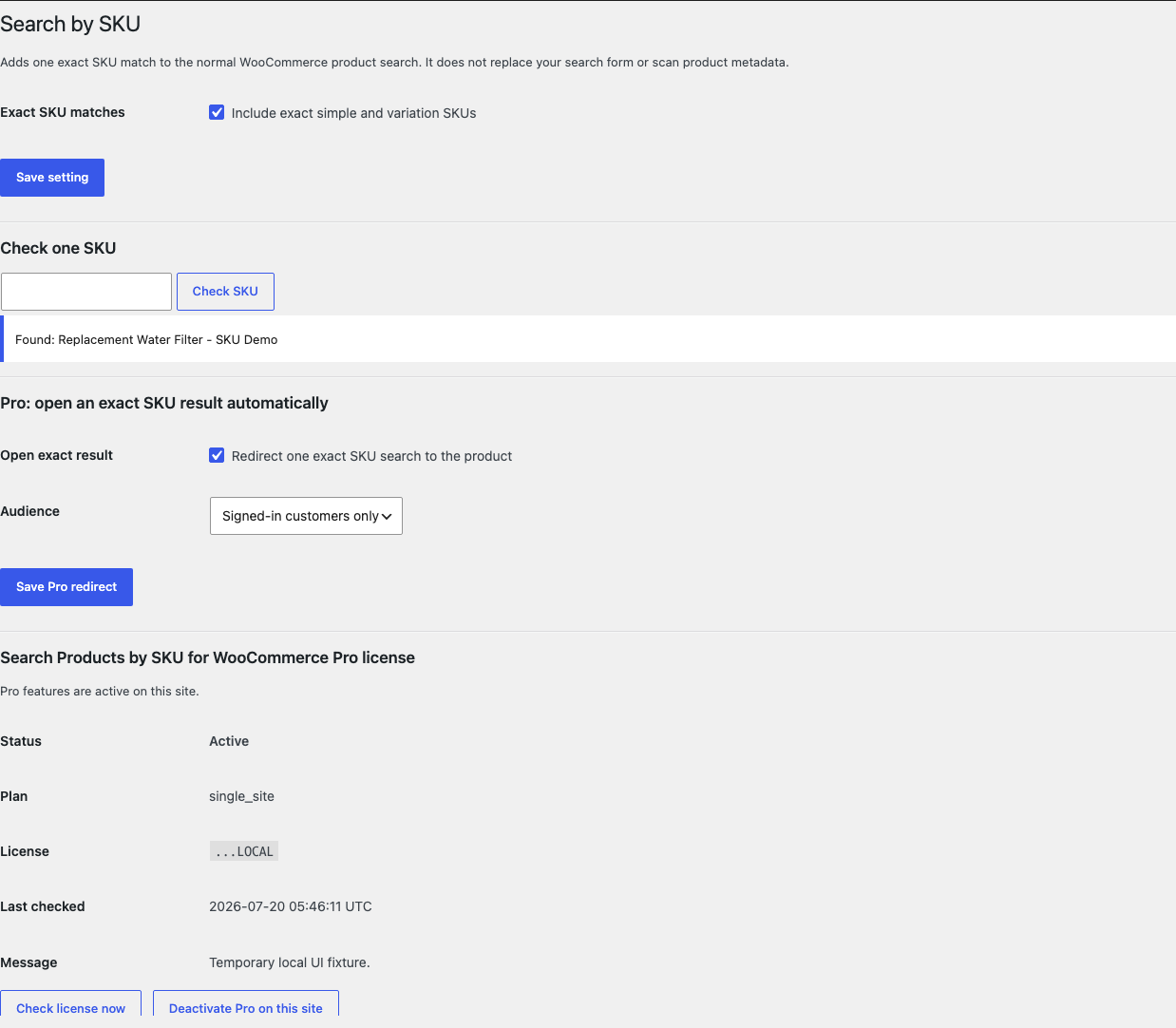
Check one SKU before storefront testing
- Copy the exact SKU from a published, visible product or variation.
- Paste it under Check one SKU.
- Select Check SKU.
- Confirm the notice says Found: followed by the expected product name.
The check reads one exact WooCommerce product lookup. It does not change the SKU, product, variation, stock, visibility, or search settings.
Check the storefront result
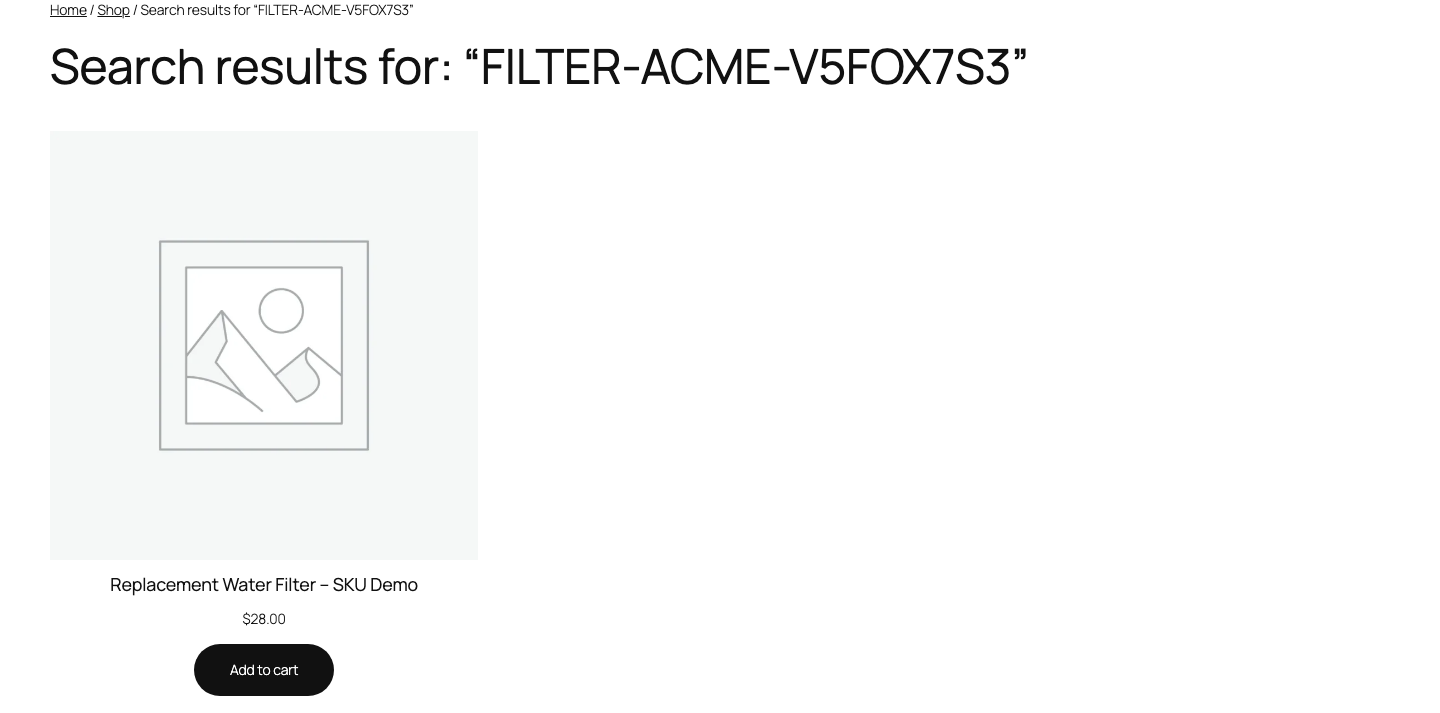
- Open the store's normal product search.
- Enter the exact SKU, including any hyphens or letters.
- Submit the search.
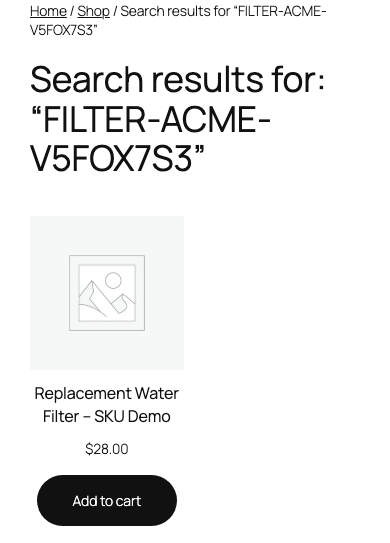
- Confirm the visible published product appears on the first results page.
- If the SKU belongs to a variation, open the returned parent product and select the variation normally.
What Free changes
Free can add one eligible product ID to the first native product-search result page when the complete search term exactly equals a product or variation SKU. A matching variation returns its visible published parent product.
Free does not provide partial, fuzzy, predictive, live, barcode, admin, order, or global WordPress search. It does not replace the search form, alter result ordering beyond the exact match, index the catalog, run wildcard product-meta queries, or change product records.
What Pro adds
Pro can redirect one exact eligible result directly to its normal product page. Choose either Everyone or Signed-in customers only.

Pro still does not add partial search, autocomplete, analytics, a catalog index, a replacement results page, or product writes.
Start the 14-day Pro trial
- Open the Search by SKU product page.
- Select Start 14-day trial. No card is required to begin.
- Stripe returns to the StoreFixKit success page; the signed webhook creates a product-bound single-site license.
- Copy the key and download the Pro 0.1.3 ZIP.
- Add a payment method before day 14 only if you want the $59/year subscription to continue. Without one, Stripe cancels it at trial end.
Keep WooCommerce and Free active. Upload and activate Pro, paste the key in WooCommerce > Search by SKU, and select Activate Pro. If Pro, billing, or the license API is unavailable, Free exact-SKU search continues locally.
Privacy, security, and resource use
- Settings and the read-only SKU check require
manage_woocommerceand WordPress nonces. - Storefront input is reduced to one plain-text search term of 64 characters or fewer.
- The lookup uses WooCommerce's exact SKU API once and then checks current product visibility and publication state.
- Draft, private, trashed, missing, oversized, empty, or otherwise non-visible results are omitted.
- There is no custom table, cron job, catalog scan, wildcard metadata query, telemetry, customer cookie, frontend asset, or storefront StoreFixKit request.
- No SKU, product, variation, price, stock, status, visibility, permalink, or search template is written.
Troubleshooting
The settings check says no product was found
Copy the complete SKU from the product or variation. Confirm the product is published and visible in search. A variation must have a visible published parent. Partial text is deliberately not accepted.
The settings check works but the storefront result is missing
Confirm you used the normal WooCommerce product-search request and are viewing its first results page. Temporarily test with a default WooCommerce-compatible theme and no search replacement. A live-search overlay or third-party index can bypass the native query that this focused plugin extends.
A variation SKU returns the parent product
That is expected. The variation itself has no separate public product page, so the plugin returns its eligible parent product and leaves variation selection to WooCommerce.
Pro does not redirect
Confirm Free is active, the Pro license is active for Search Products by SKU, Open exact result is enabled, and the current visitor matches the selected audience. The redirect runs only for one exact eligible result on the first native search page.
Rollback
- Back up the database and both current ZIPs.
- Deactivate Pro, then Free.
- Install the tested Free 0.1.0 and Pro 0.1.0 baseline ZIPs.
- Activate Free first, then Pro.
- Check one disposable exact SKU and compare product status, price, stock, visibility, and native search behavior.
- To return to the current release, repeat the process with 0.1.3.
Versions 0.1.0 and 0.1.3 use the same small owned settings and require no schema migration. Deactivating either plugin immediately removes its search behavior without touching product data.
Uninstall
Default uninstall preserves settings so an accidental deletion is reversible. To erase only StoreFixKit-owned settings during uninstall, define STOREFIXKIT_DELETE_DATA as true before deleting the plugins. Free then removes sfk_sbs_settings; Pro removes sfk_sbs_pro_settings and sfk_sbs_pro_license.
Product and variation records, SKUs, search settings, prices, stock, status, visibility, taxonomies, permalinks, and orders are never deleted.
StoreFixKit Support
Use StoreFixKit Support and include the exact test SKU with any private business pattern replaced, expected product name, the settings-check result, search URL with sensitive parameters removed, Free and Pro versions, WordPress and WooCommerce versions, theme, search plugin or service, cache state, and screenshots. Never send credentials, customer data, private catalog exports, API keys, or a full license key.