No card required. Add a payment method before day 14 to continue; otherwise Stripe cancels the subscription automatically.
Real WordPress interfaceFree 0.1.2 / Pro 0.1.2
One jobShow existing product or variation SKU codes through WooCommerce's native order-items template in verified core customer emails, without generating codes or editing products, orders, recipients, templates, HTML, or CSS.
RequiresWooCommerce 8.9 or newer
Free statusRelease candidate prepared for WordPress.org review
Three decisions
Set it up without code.
01
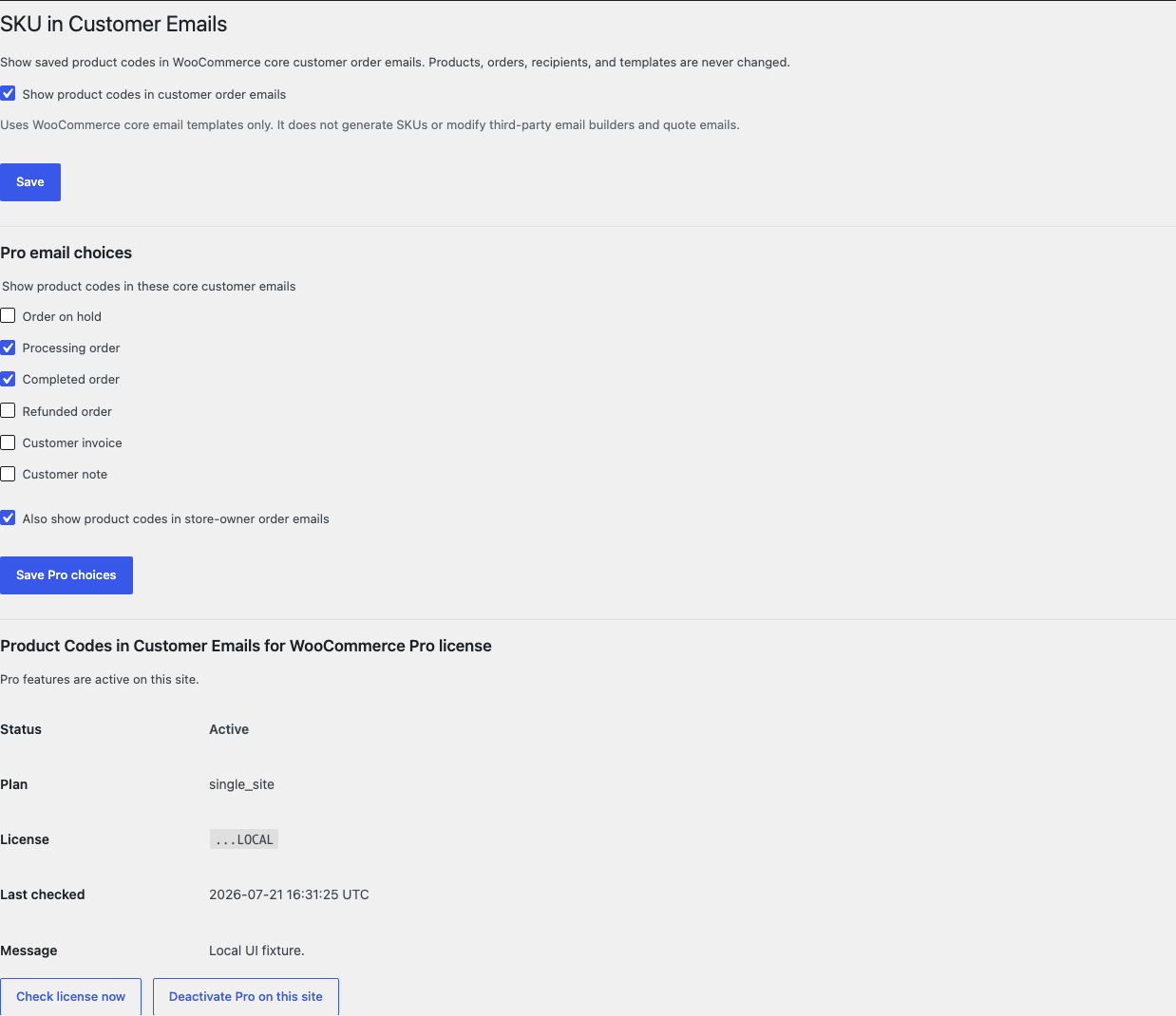
Open WooCommerce > SKU in Customer Emails and turn on the switch.
02
Use an order whose exact product or variation already has an SKU.
03
Send a core customer order email and confirm the code appears under the matching item.
Actual product
What you configure and what the visitor sees.
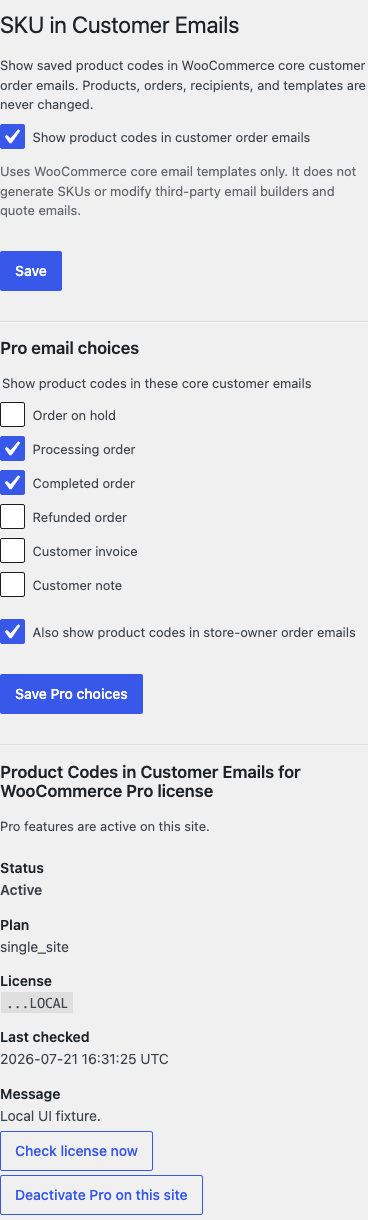
The desktop settings name each email choice and keep store-owner messages off by default.The customer and store-owner choices remain readable at a phone-width viewport.
Free and Pro
Free keeps working. Pro adds capacity.
Free 0.1.2
No account or license required
Turn on one switch after WordPress capability and nonce checks.
Set only WooCommerce's native show_sku argument inside verified core customer order emails.
Return every incoming argument unchanged for admin email, third-party email, malformed input, or missing WooCommerce.
Prepared for WordPress.org submission; no public-directory approval is claimed yet.
Pro 0.1.2
$39 per year
Choose reviewed WooCommerce core customer email types from a fixed allowlist.
Optionally include core store-owner order emails while the default remains customer-only.
Add no builder, template override, custom label, SKU generator, recipient change, HTML, or CSS.
Designed to stop quietly instead of changing store truth.
The free workflow is independent of Stripe, the StoreFixKit license API, and Pro. A billing or network problem cannot rewrite the parent plugin's data.
Changes only show_sku during a verified WooCommerce core email context and returns all other arguments unchanged.
Products, variations, SKU values, orders, customers, recipients, totals, addresses, and templates are never written.
Free continues locally when Pro, billing, the network, or the StoreFixKit license service is unavailable.
No custom table, cron, queue, telemetry, frontend asset, remote email request, SKU generation, or template override.
14-day trial
No card required to test Pro on one site.
Stripe hosts checkout and billing. The StoreFixKit success page creates a product-bound license and Pro download. Add a payment method before trial end only if you want the annual plan to continue.